
Minimap 3D
By Iced_Fox_Studios, ReDeWz
Bedrock Minimap 3D
See your world from a whole new perspective.
Bedrock Minimap 3D adds a live minimap that shows your surroundings at an angle, in 3D. Mountains rise, valleys dip and forests take shape as you explore, so the landscape is far easier to read than on a flat, top-down map.
Compass, coordinates, biome and time of day, mob radar, waypoints and death markers, all in one clean vanilla-style HUD. It works on the surface, underground, in the Nether and in the End, and you can make it yours with a square or round minimap and 10 border colours.
Minecraft Bedrock 1.26.40+ · No experimental toggles · Open the settings with /atlas3d:menu
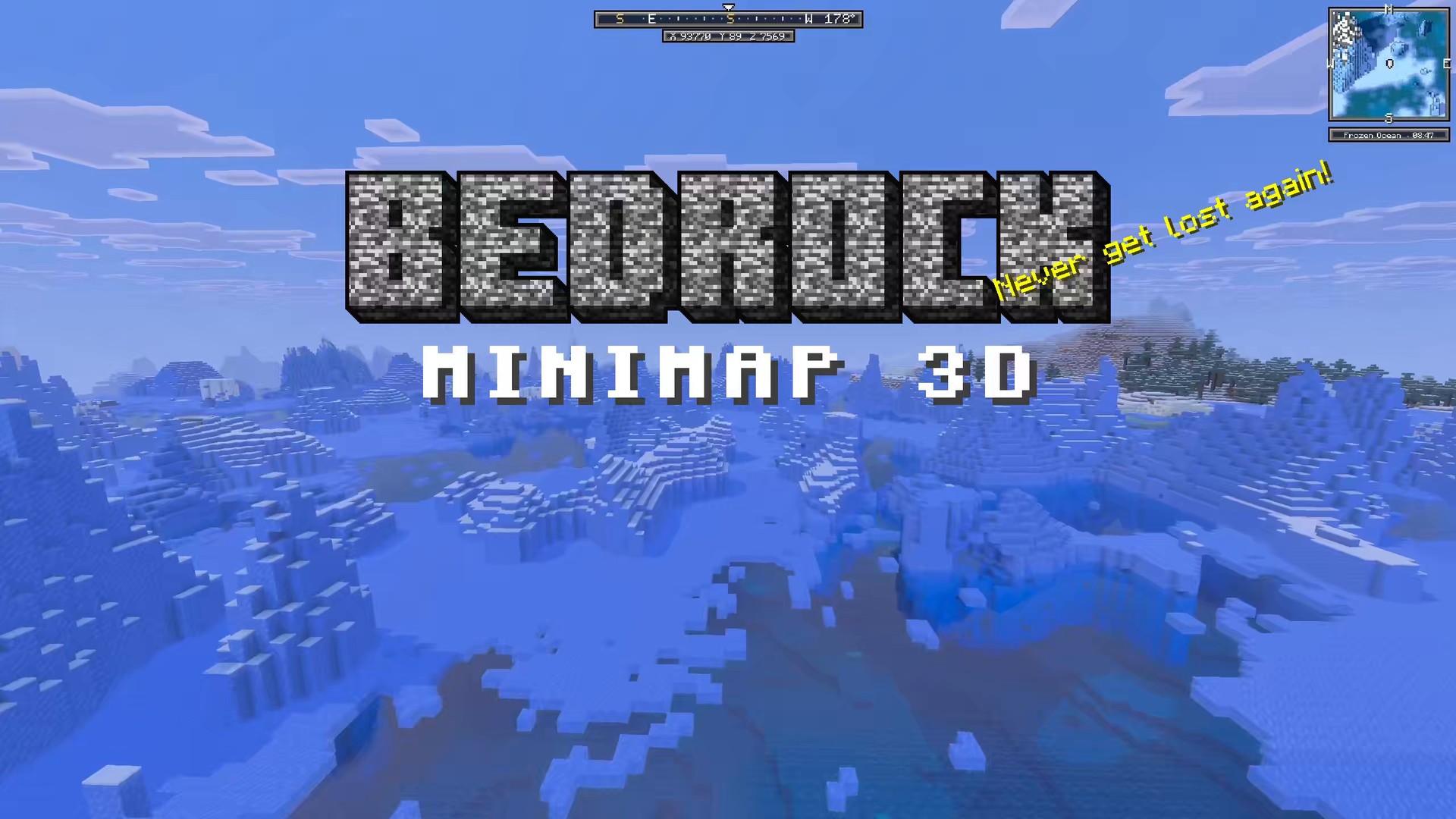
Live 3D minimap
Mountains rise, valleys dip and forests take shape as you explore. Terrain, trees and nearby mobs update as you move.
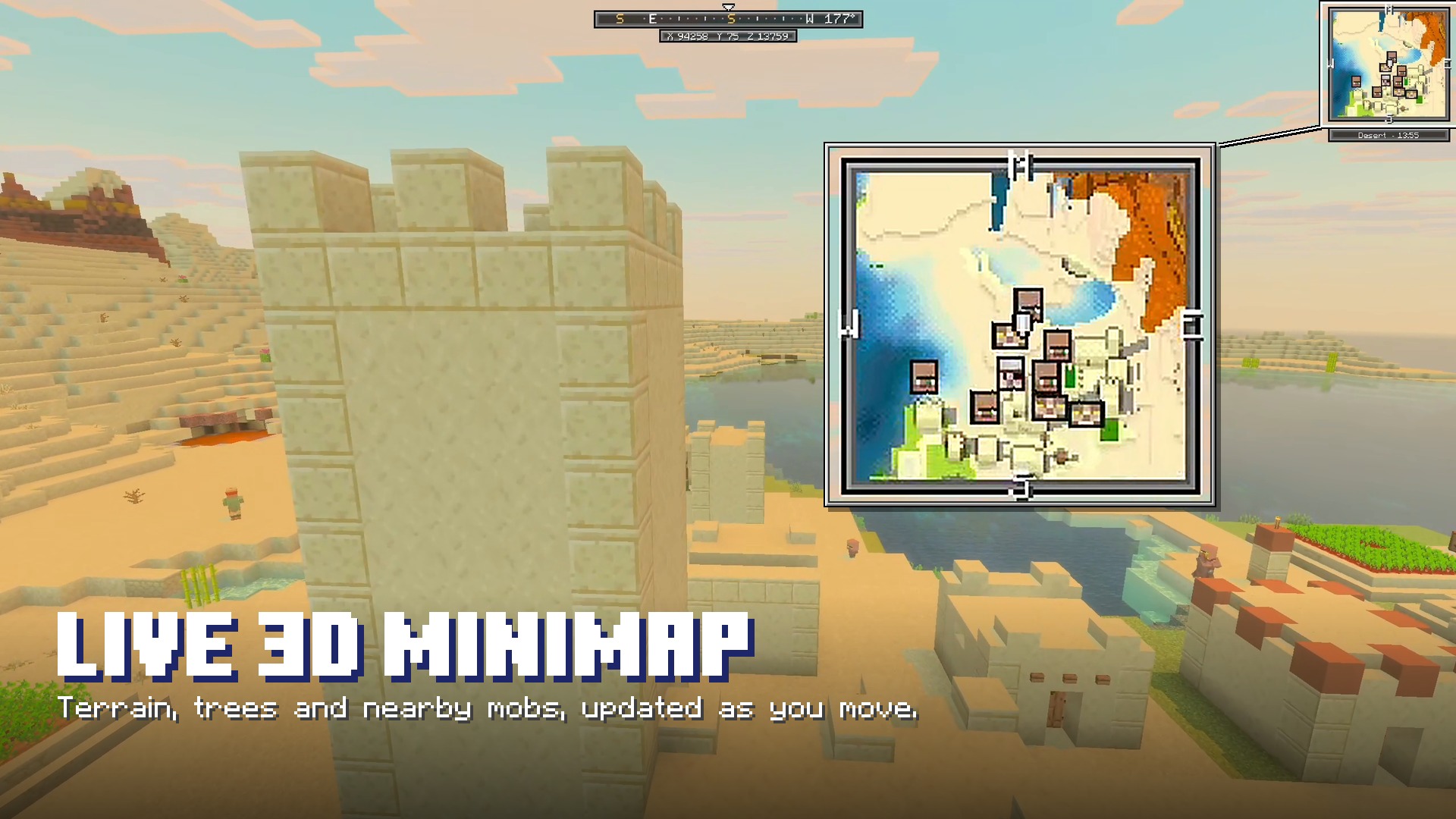
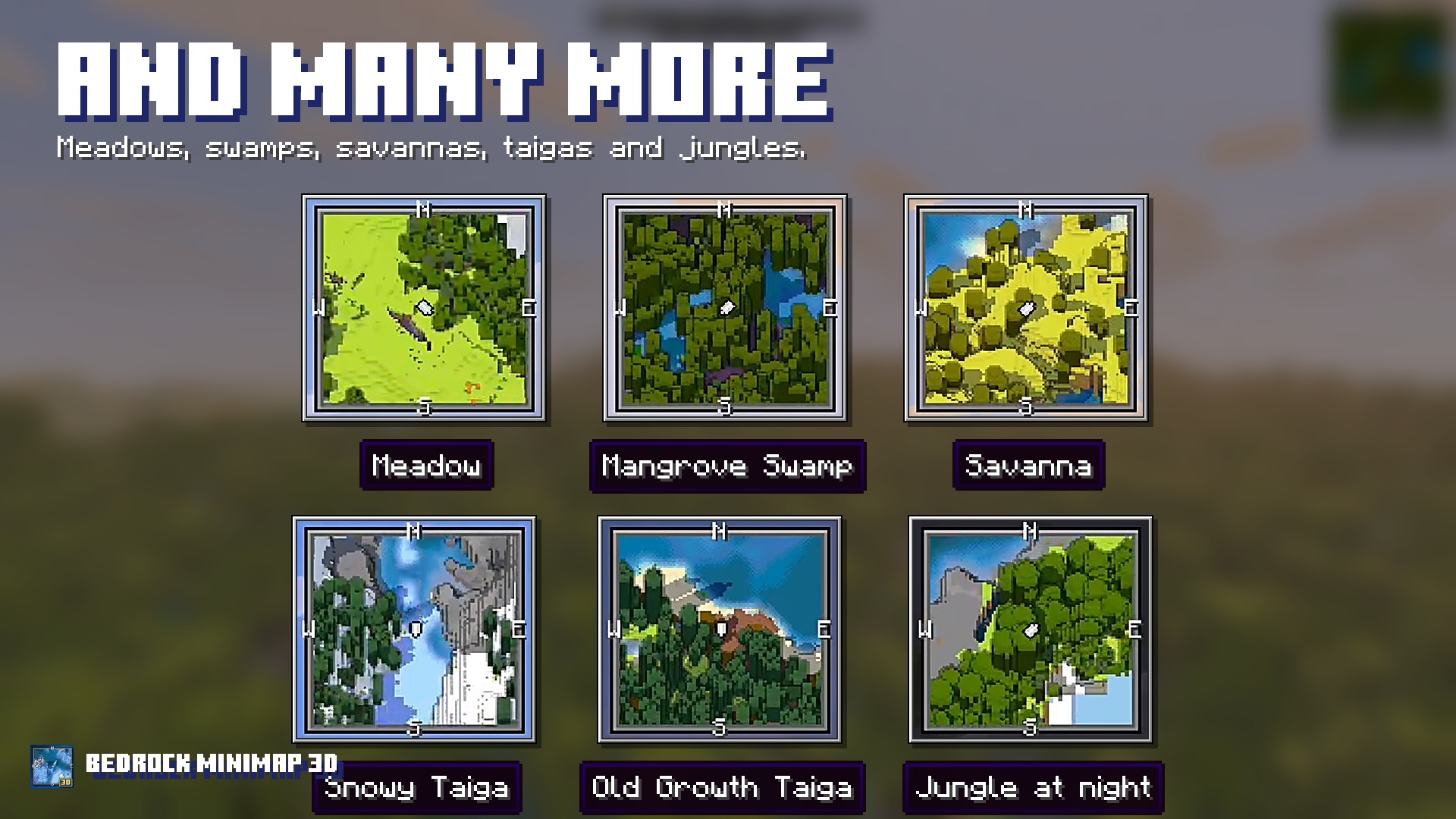
Every biome
Every biome is drawn in its own colours, with real height.
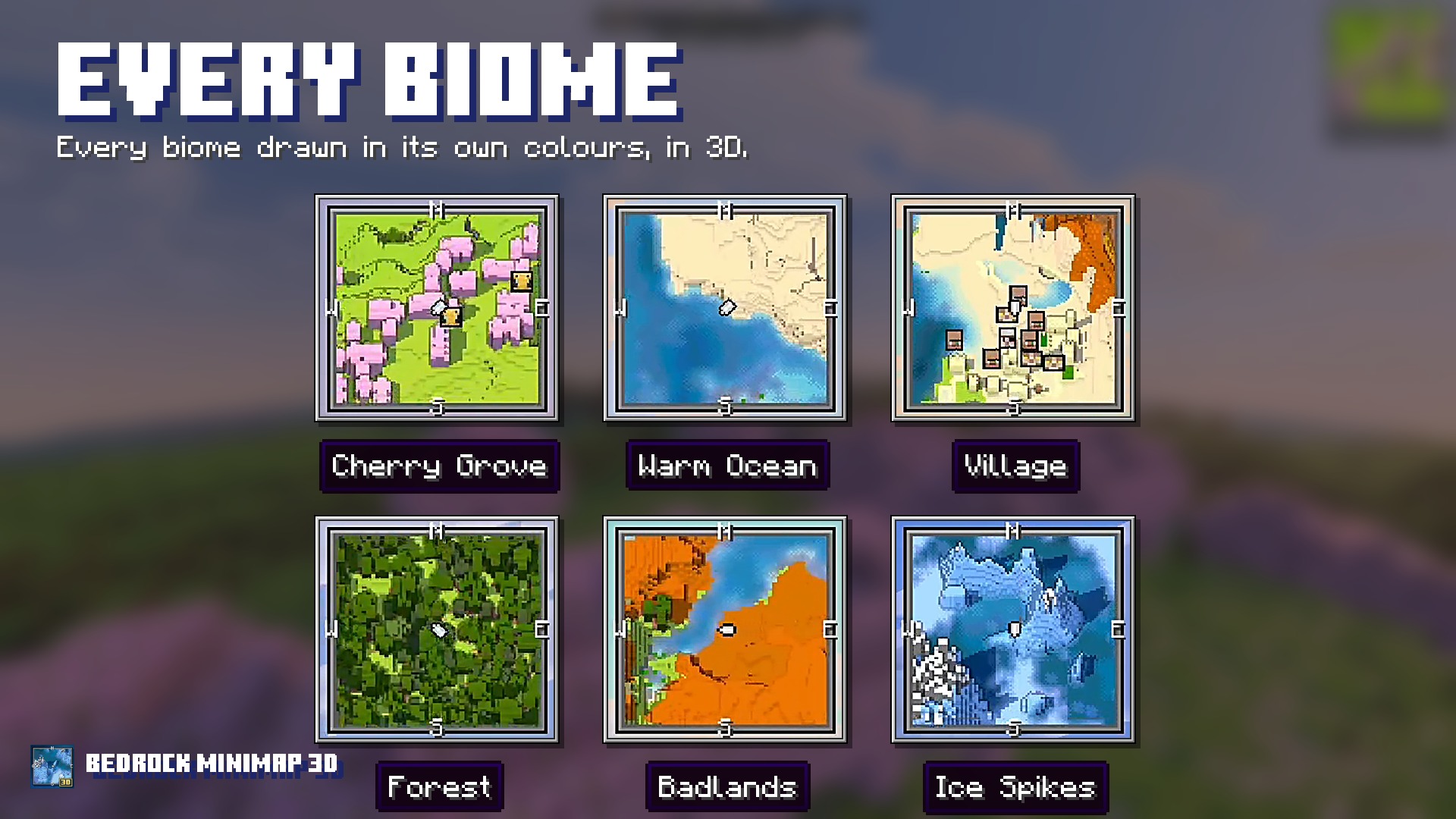
And many more
Meadows, swamps, savannas, taigas and jungles, day and night.
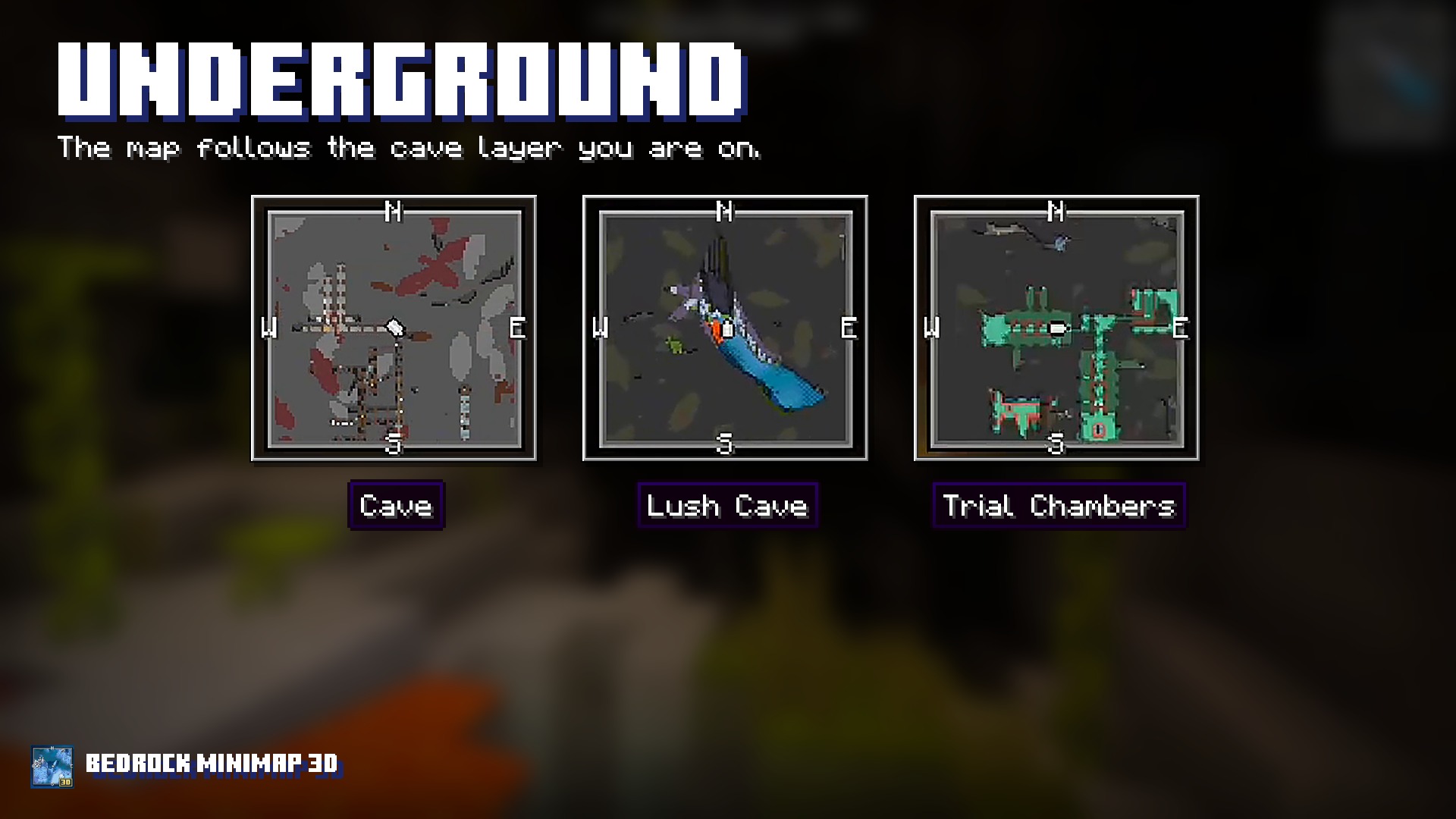
Underground
Below the surface the map follows the cave layer you are on.
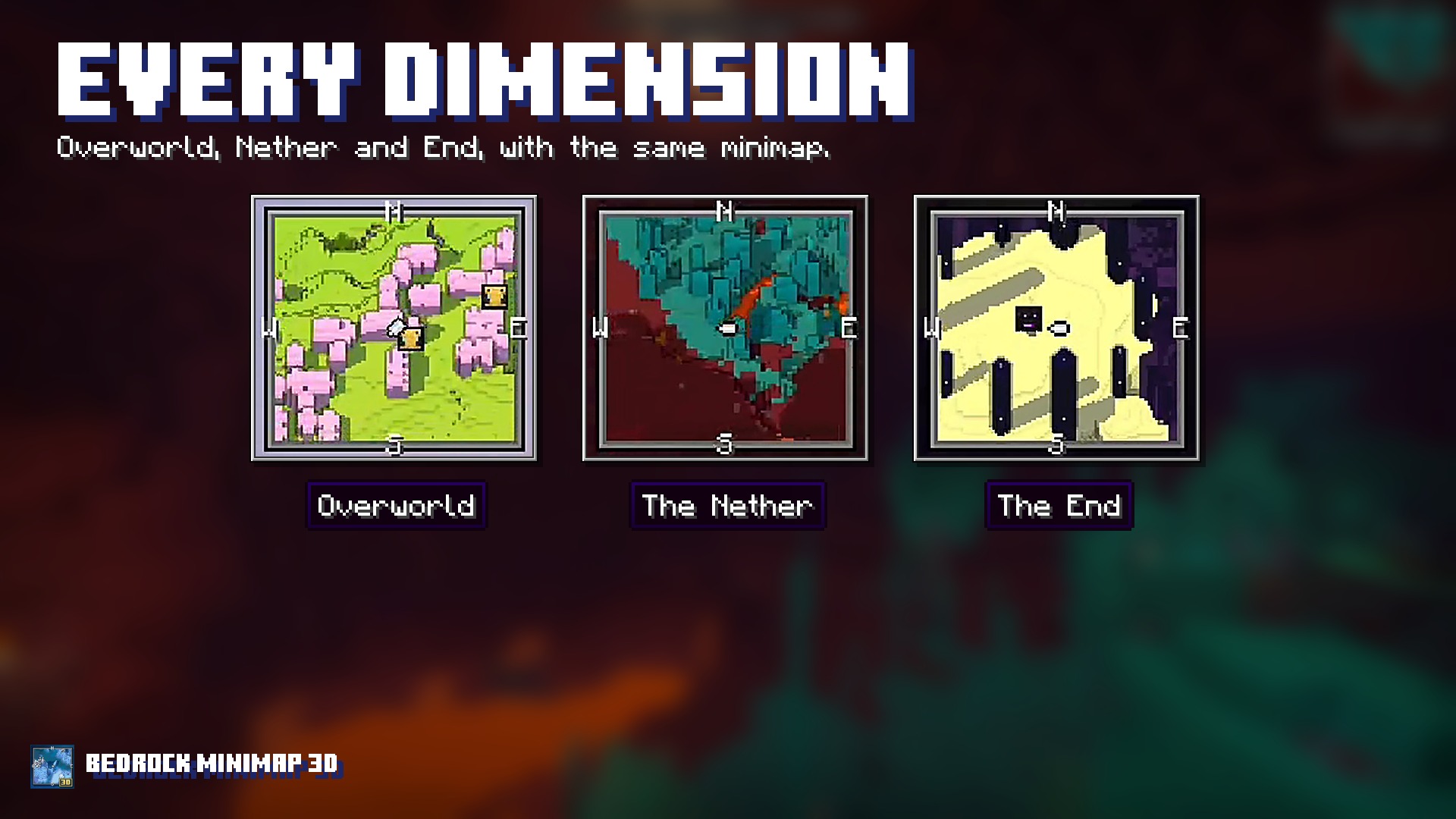
Every dimension
Overworld, Nether and End, with the same minimap.
Compass and coordinates
Your heading, the four cardinals and x y z, always on screen.
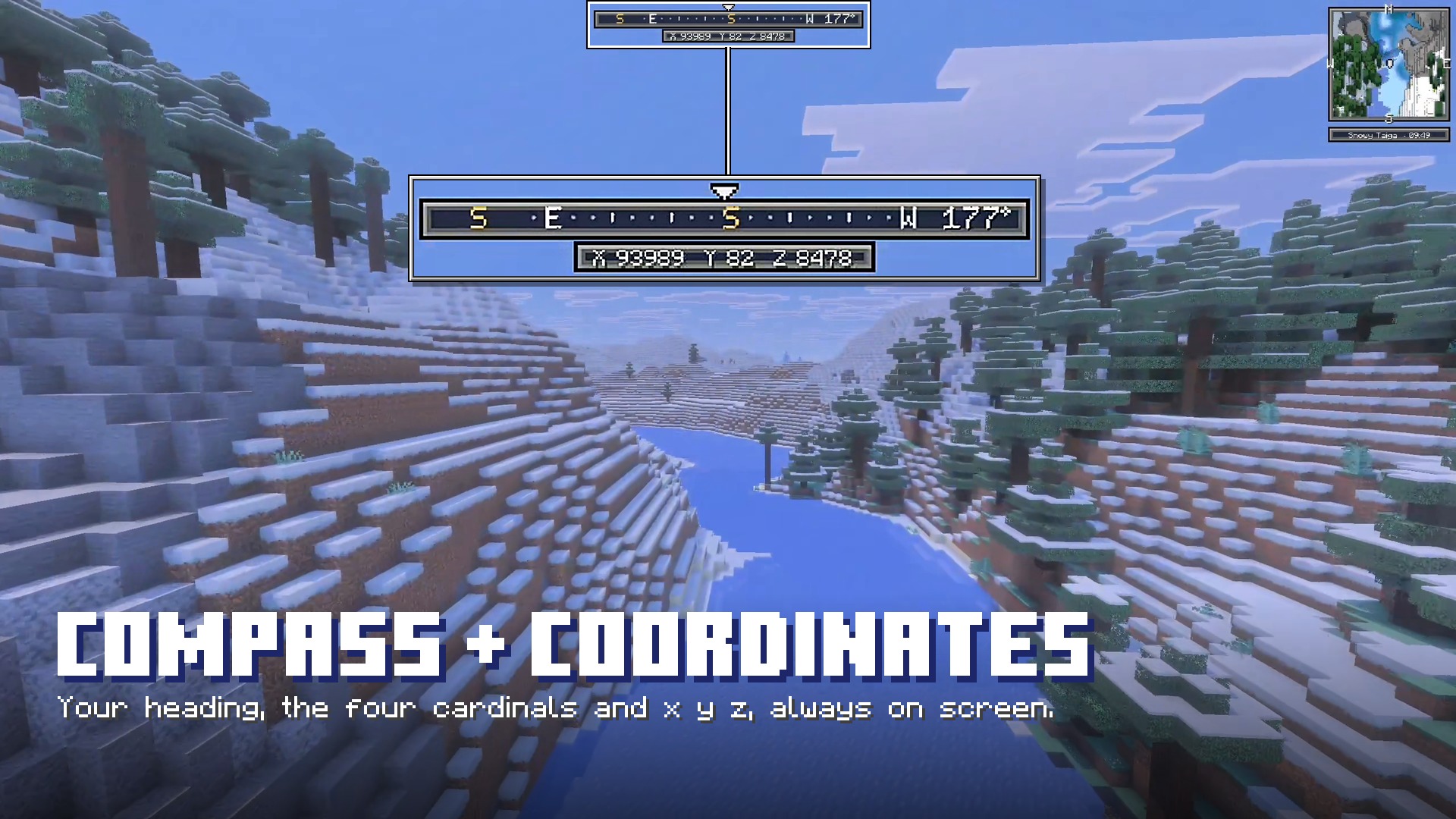
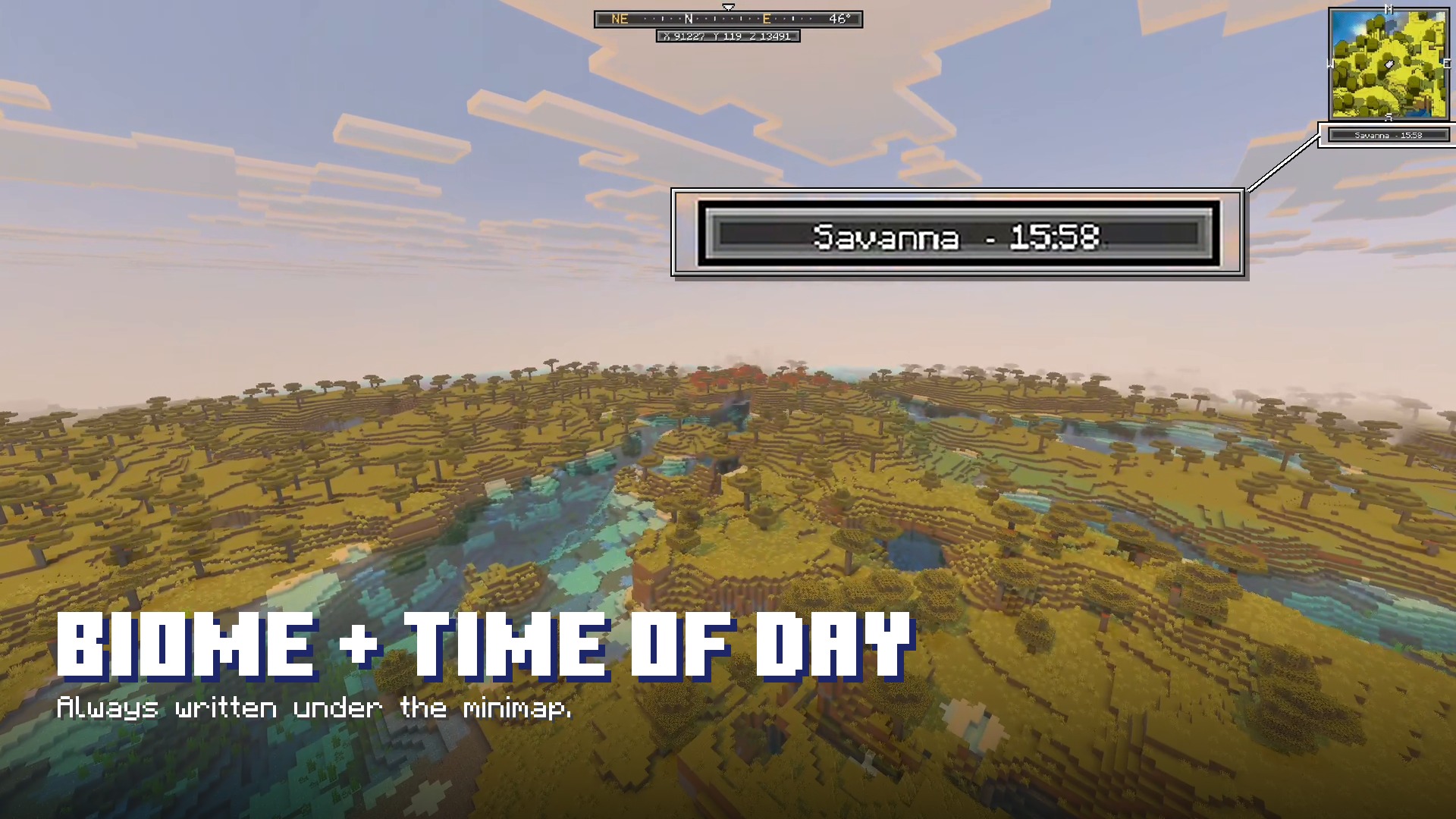
Biome and time of day
Always written under the minimap.
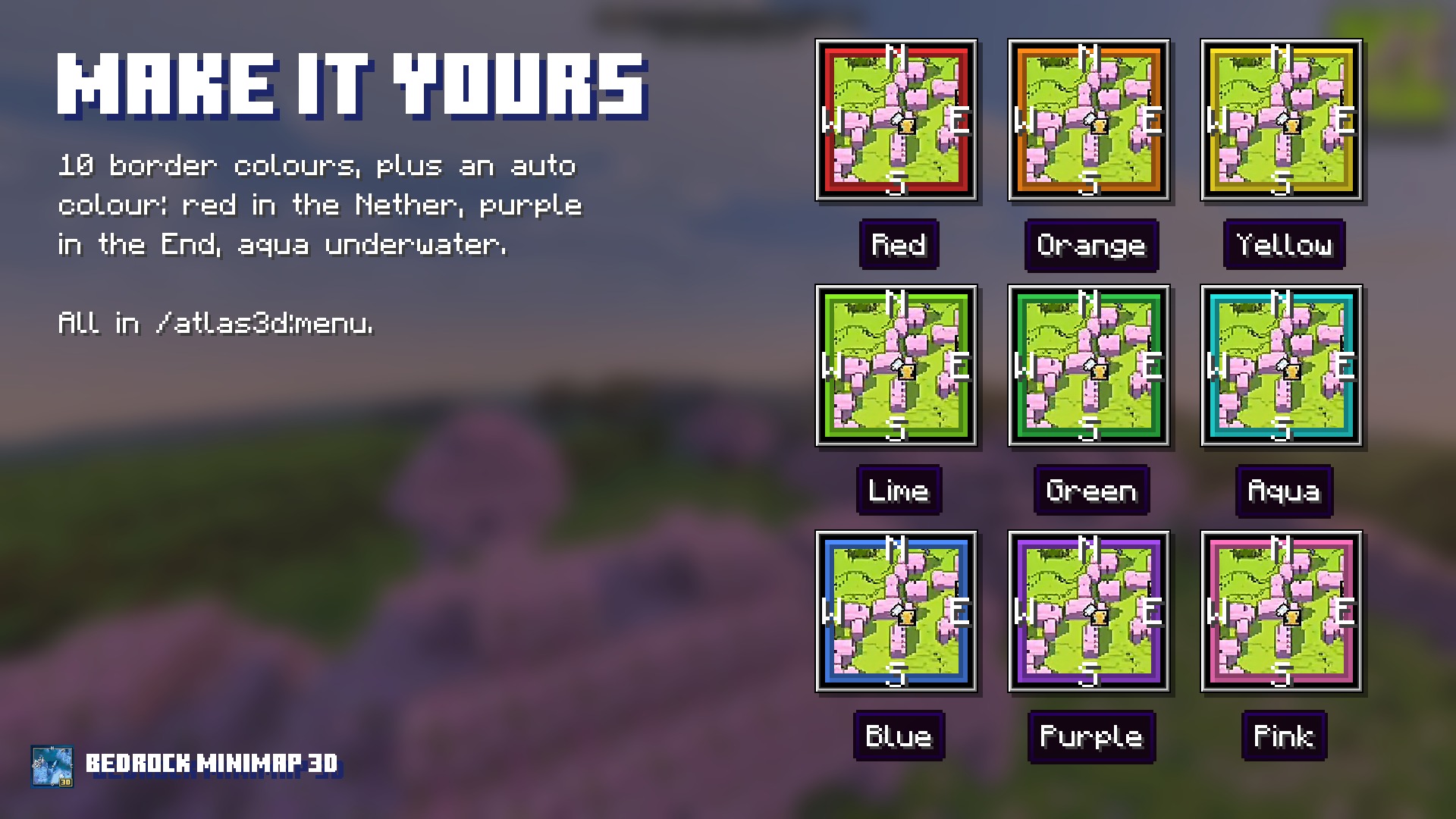
Make it yours
10 border colours plus an auto colour: red in the Nether, purple in the End, aqua underwater.
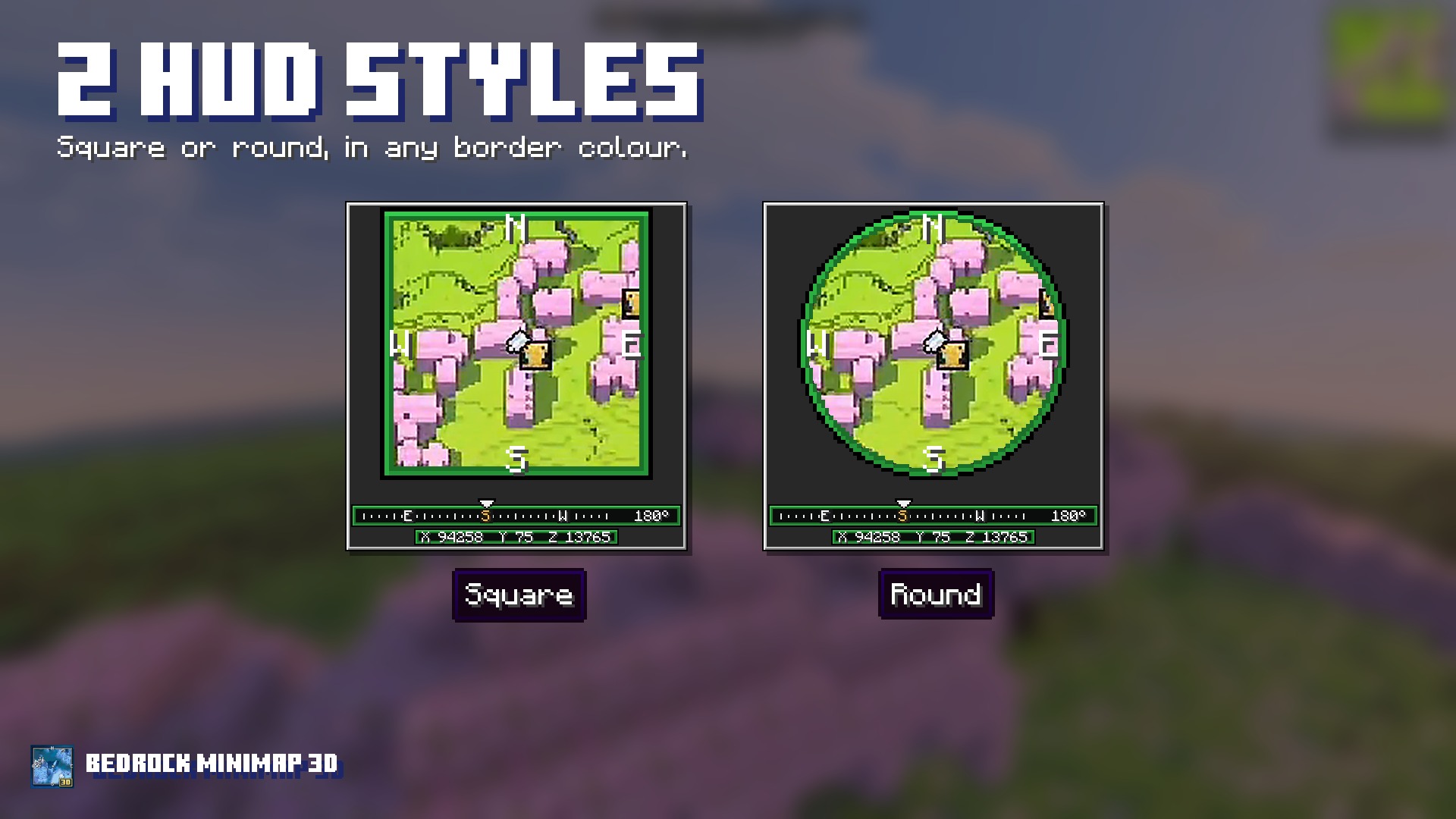
Square or round
Pick the HUD style you like, in any border colour.
Features
- 3D terrain: terrain height, slopes and exposed sides on an angled minimap.
- Full-screen live map: zoom and move around.
- Compass and coordinates.
- Biome and time of day.
- Mob radar: portraits for the nearest mobs.
- Waypoints and death markers.
- Underground mapping, Nether and End.
- Square or round minimap, 10 border colours plus auto.
Getting started
- Import the add-on into Minecraft Bedrock.
- Activate both the Behavior Pack and Resource Pack in your world.
- Enter your world and start exploring.
Use /atlas3d:menu for all settings and /atlas3d:map for the live map.
Requirements
- Minecraft Bedrock 1.26.40 or newer.
- No experimental toggles required.