
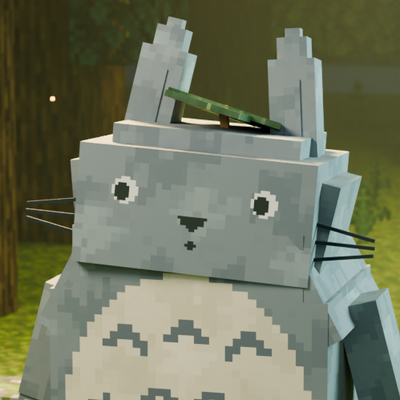
Totoro: Spirits of the Forest
By Iced_Fox_Studios, XtraGer_dev
Totoro: Spirits of the Forest
Minecraft Bedrock Edition · Behavior Pack + Resource Pack
Bring a little forest magic into your Minecraft world. Befriend four Totoro companions, care for your own woodland clearing and turn everyday journeys into small adventures. Travel with useful companions, take to the sky and share a Catbus ride with friends.
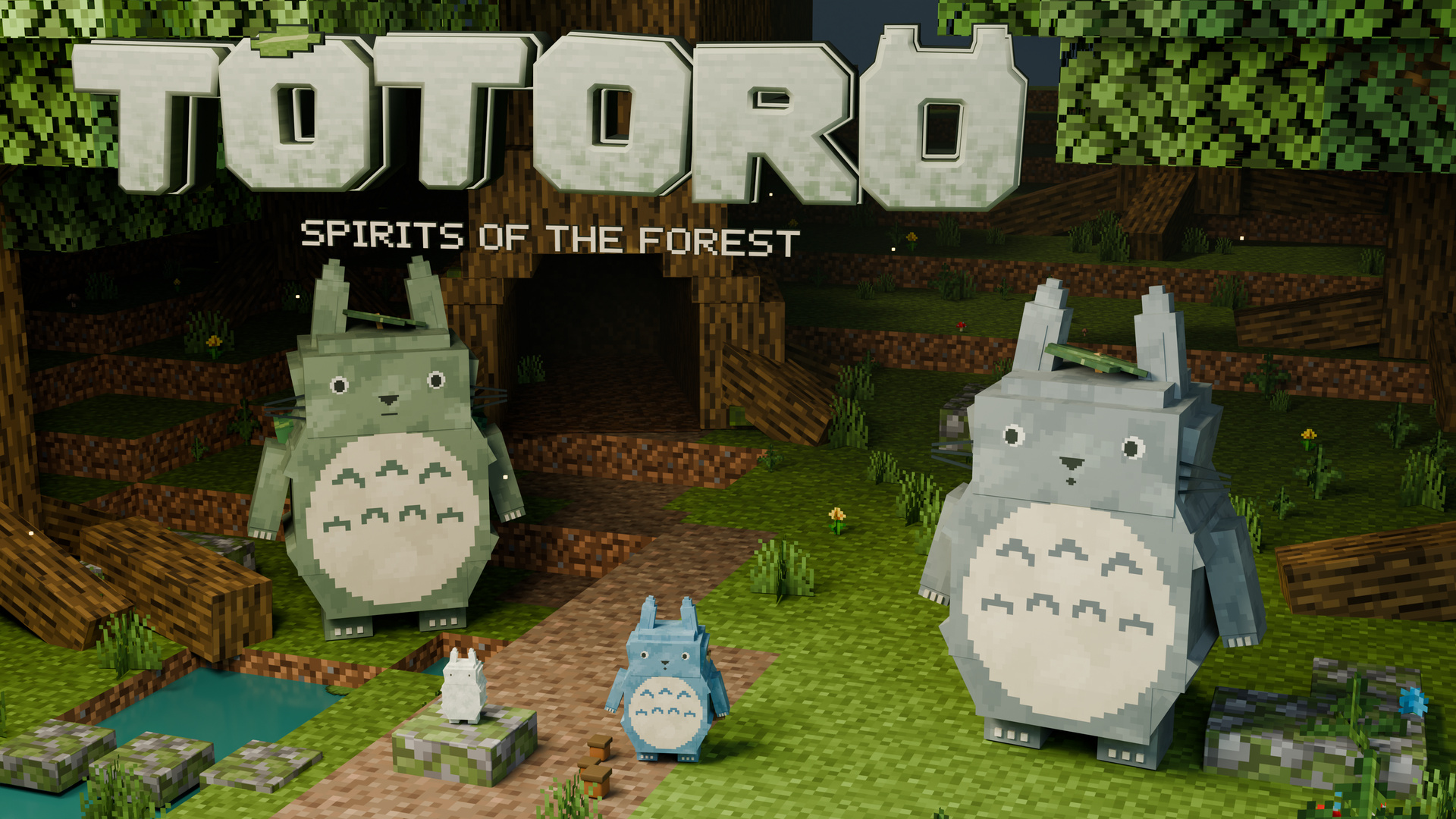
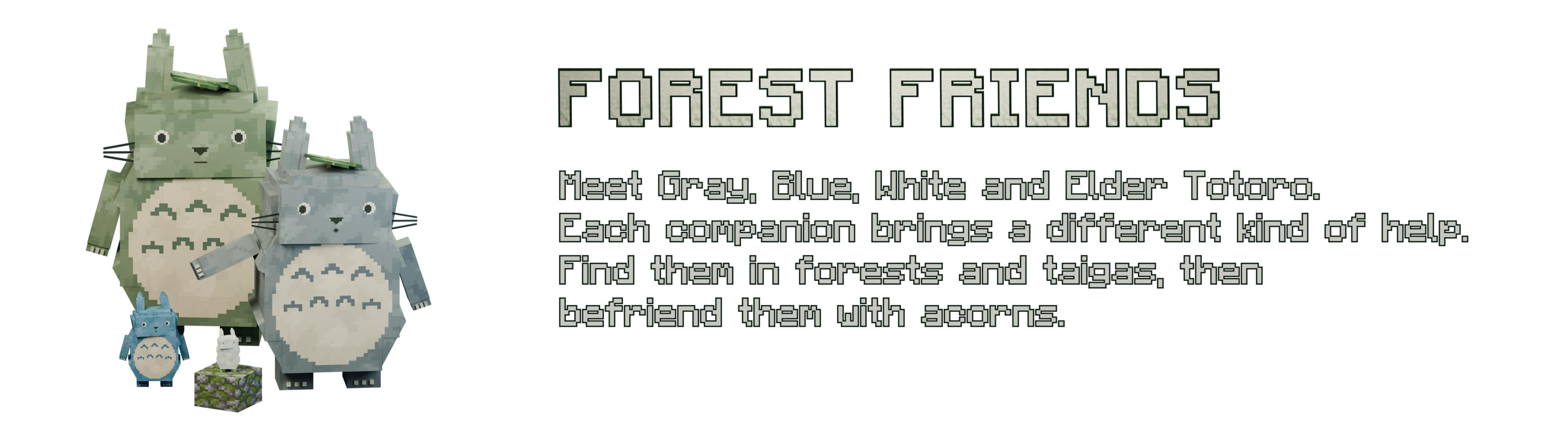
Meet Gray, Blue, White and Elder Totoro in forests and taigas. Each spirit has its own role, with expressive models, animations and a place in your journey.
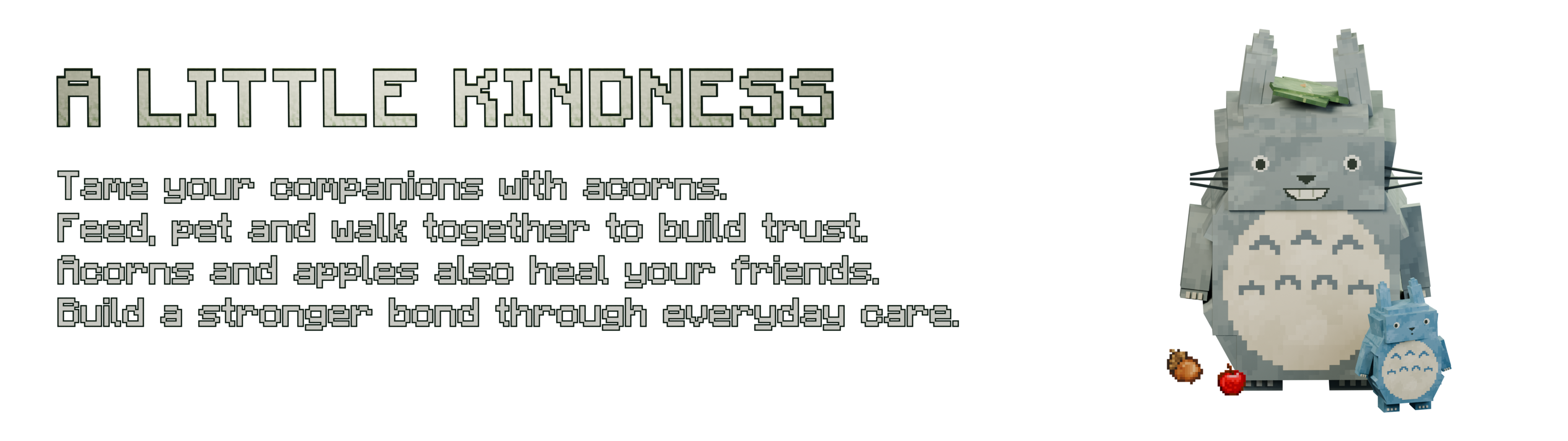
Craft acorns from two wheat seeds and one stick, then offer them to a wild spirit. Feed, pet and walk with your companions to build friendship. Acorns and apples also restore their health.
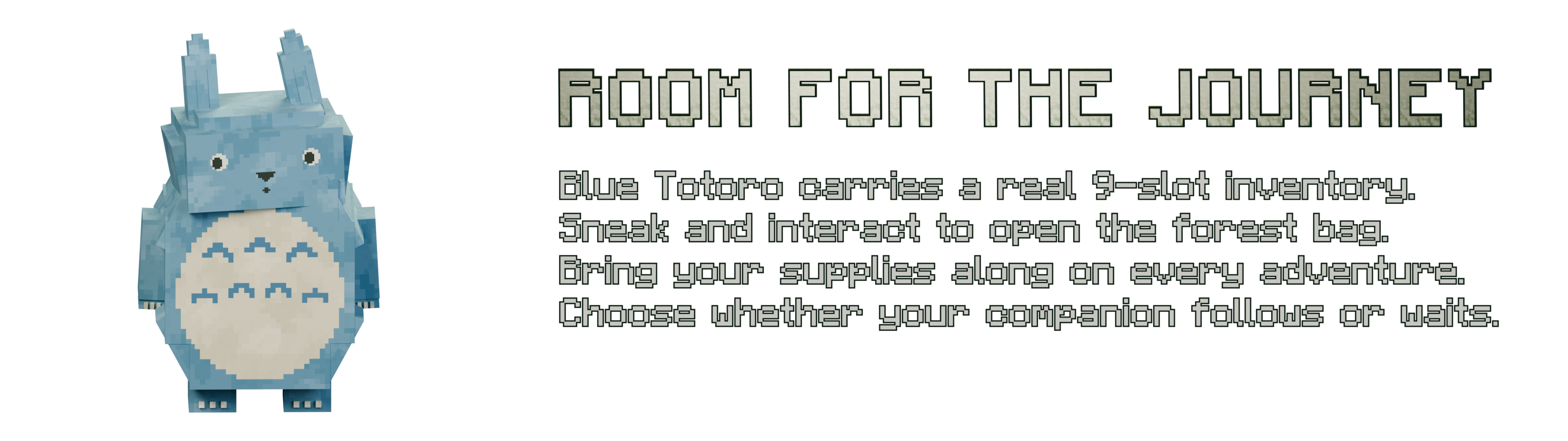
Blue Totoro carries a real nine-slot backpack. Sneak and interact with your own companion to open it. Choose follow or wait with an empty hand; its supplies and orders remain when you return to your world.
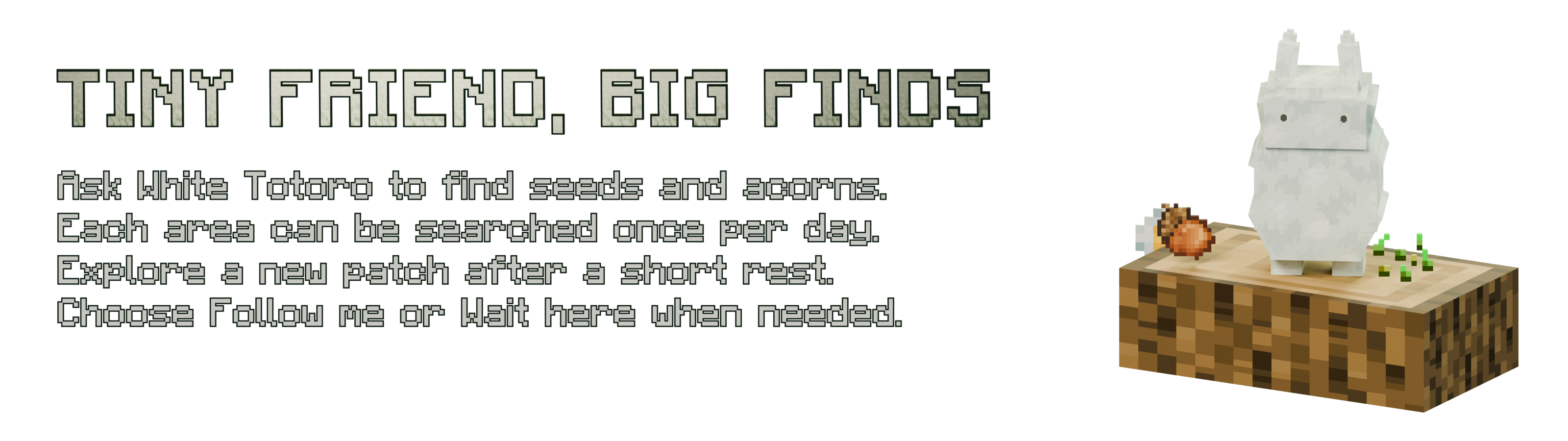
Ask White Totoro to search for seeds and acorns through its order menu. Searches have a cooldown and each area can be searched once per in-game day. Explore fresh ground together, or ask your companion to wait.
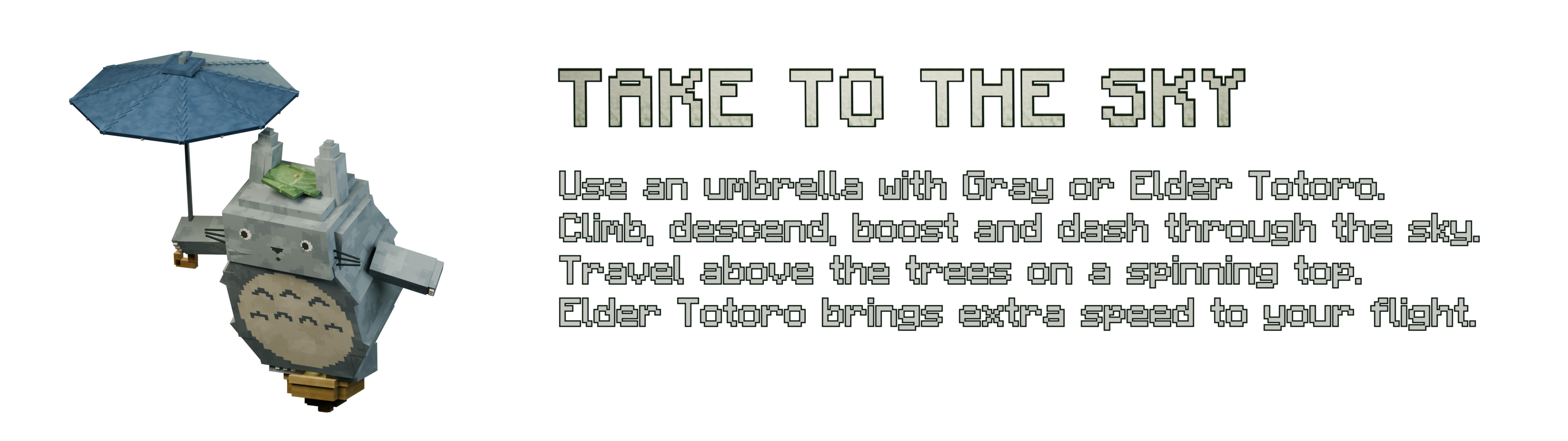
Use an umbrella beside your Gray or Elder Totoro to take flight. Steer, climb, descend, boost and dash above the trees on a spinning top. The Elder brings stronger flight abilities.
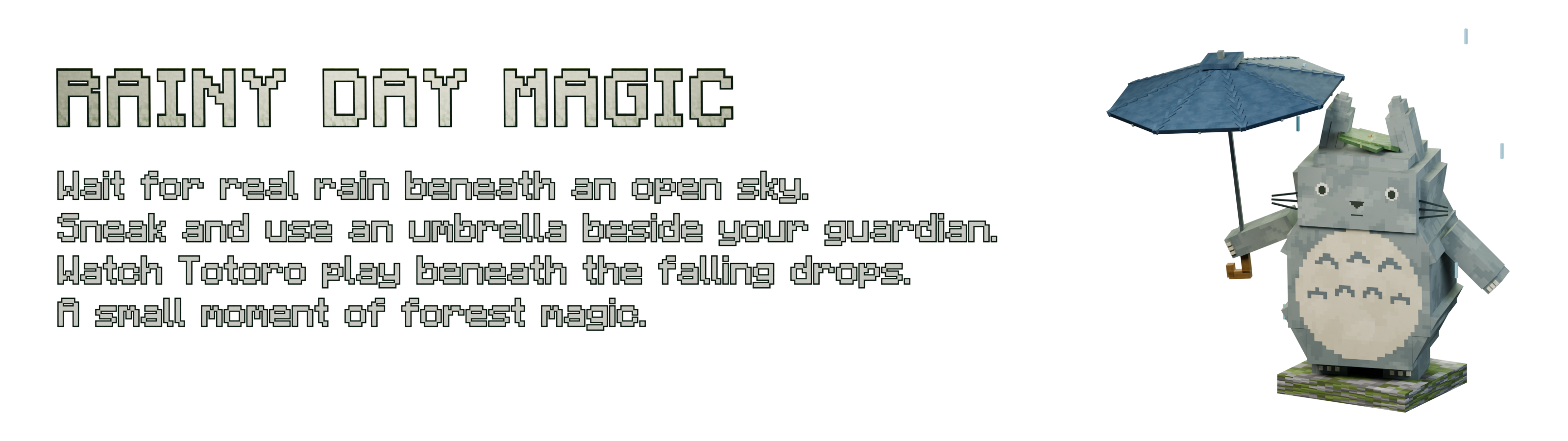
When real rain falls beneath an open sky, sneak and use your umbrella beside your guardian to begin its rain animation.
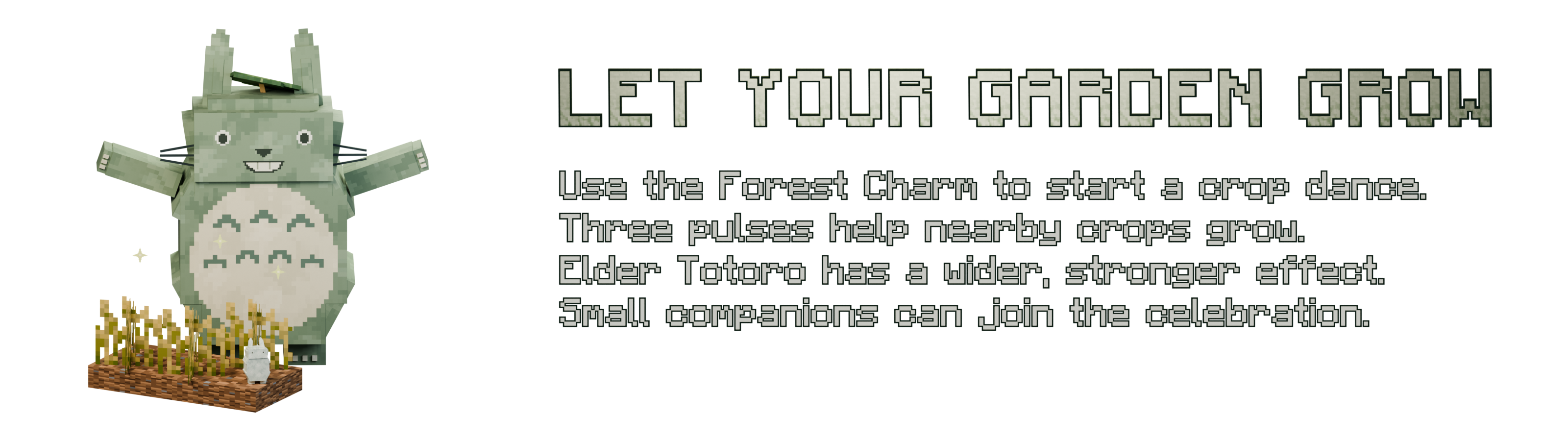
Use a Forest Charm with Gray or Elder Totoro to start a crop dance. Three pulses help nearby crops grow. The Elder reaches farther, and nearby small companions can join the dance.
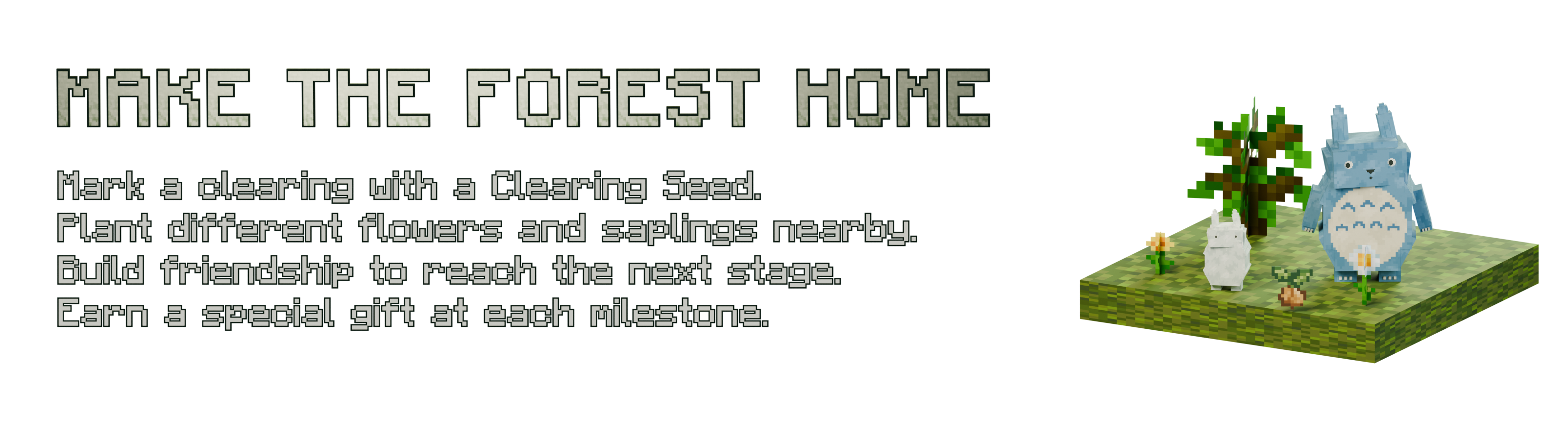
Mark a clearing with a Clearing Seed and plant different flowers and saplings within ten blocks. Grow your friendship and planting variety to reach new stages and earn milestone gifts.
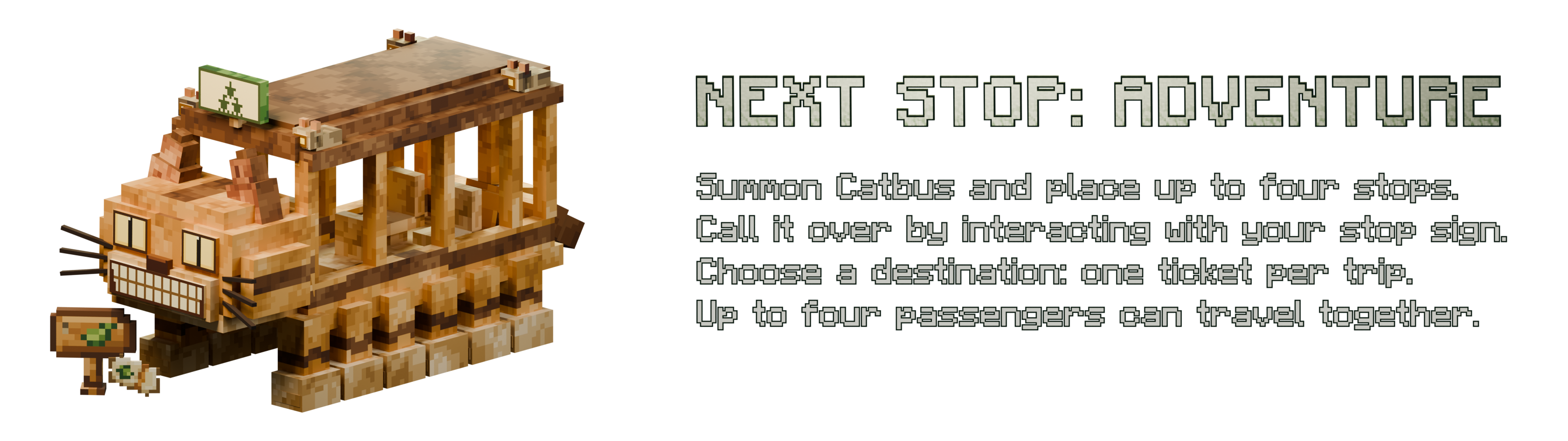
Summon Catbus on clear ground and place up to four stops per player in the Overworld. Rename a stop item in an anvil before placing it. Call an available Catbus from your stop, board and choose a destination. One ticket pays for the trip; up to four passengers can travel together.
Installation
- Use Minecraft Bedrock 26.40, 26.50 or 26.60. The addon requires engine version 1.26.40 or newer.
- Download both files: Totoro_Forest_BP-1.23.1.mcpack (Behavior Pack) and Totoro_Forest_RP-1.23.1.mcpack (Resource Pack).
- Open each .mcpack file with Minecraft to import it. Both files are required.
- In your world settings, activate Totoro under Behavior Packs and make sure its matching Resource Pack is active.
- Keep experimental toggles off. This addon uses the stable Script API and does not require Beta APIs.
- Enter your world, craft acorns and start befriending the forest spirits. The Totoro creative inventory group contains its items and spawn eggs.
No Java mod loader, GeckoLib or Fabric API is needed for this Bedrock edition. Java and Bedrock worlds are separate.
Companion controls
- Befriend a Totoro: offer acorns. Use acorns or apples to restore health.
- Gray and Elder: interact with an empty hand to sit or stand.
- Blue backpack: sneak and interact with your Blue Totoro to open its nine-slot inventory. Empty-hand interaction changes follow/wait.
- White Totoro: interact with an empty hand or Forest Charm to open its search, follow and wait menu.
- Flight: use an umbrella beside your Gray or Elder. Movement steers, jump ascends, and looking down while moving forward descends. Use the interact action to boost, attack to dash, and sneak to dismount.
- Rain magic: sneak and use the umbrella beside your guardian during rain beneath an open sky.
- Crop dance: use a Forest Charm on Gray or Elder. Sneak and use the charm in the air to check friendship.
- Catbus: place a stop, summon Catbus on clear ground and call it with an empty-hand interaction on your stop. Board, select a destination and spend one ticket for the whole ride. Sneak to dismount.
In-game help
With commands enabled, /function totoro/help_en shows the English controls and recipes. /function totoro/kit supplies a starter kit for testing. Normal survival play uses crafting and does not require these commands.
English and Spanish localization is included. The cover and feature banners are promotional renders of the addon models.