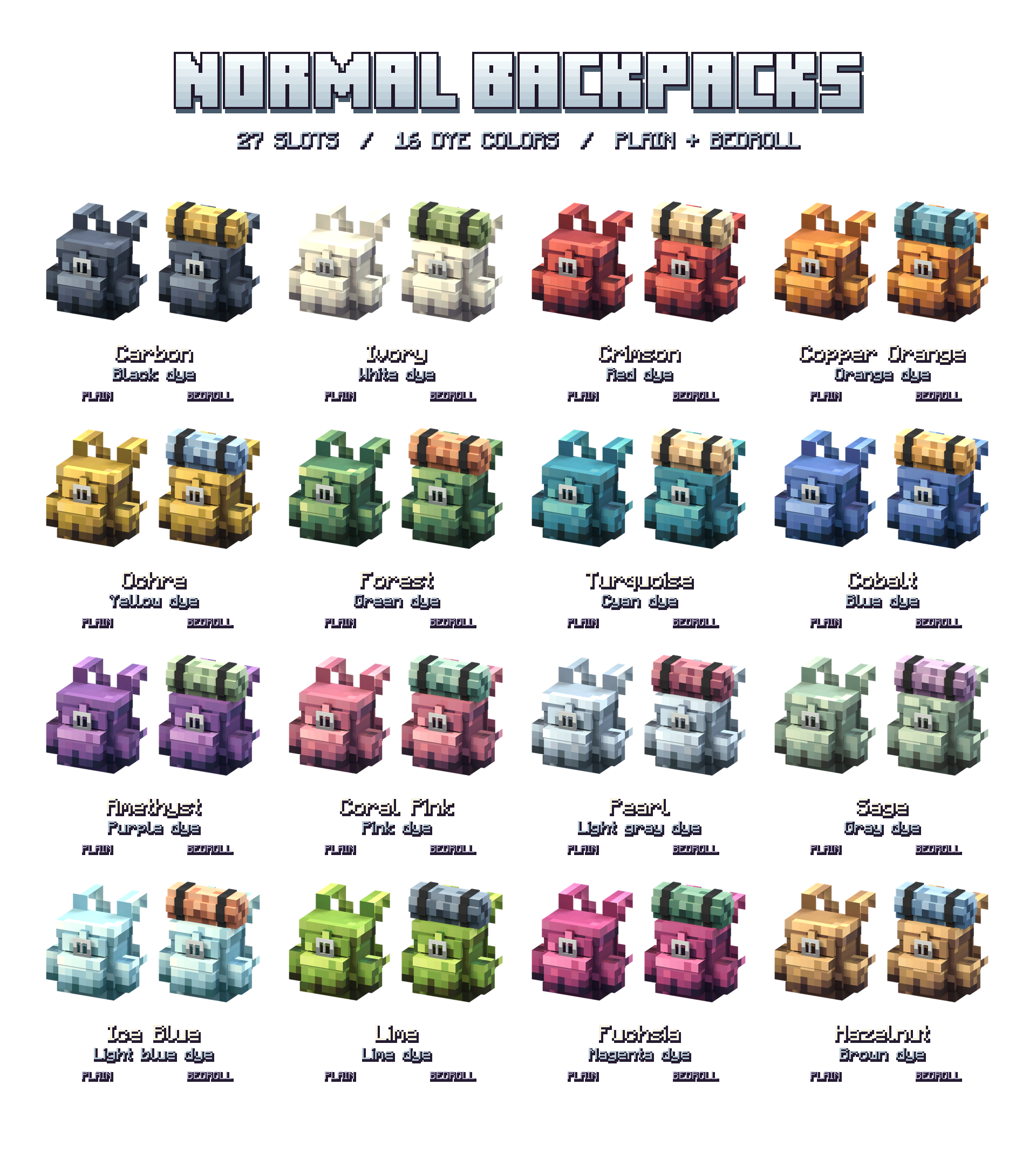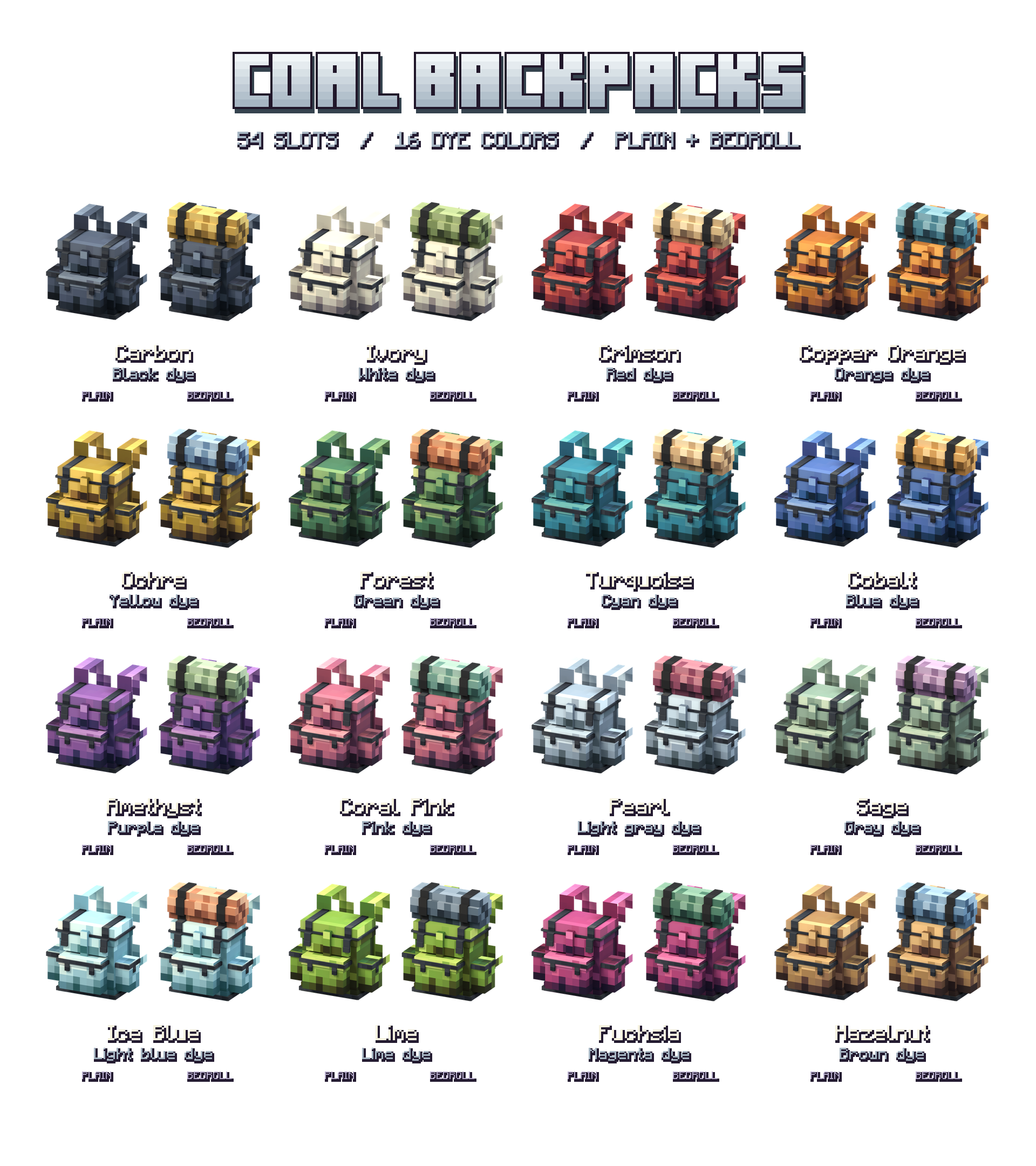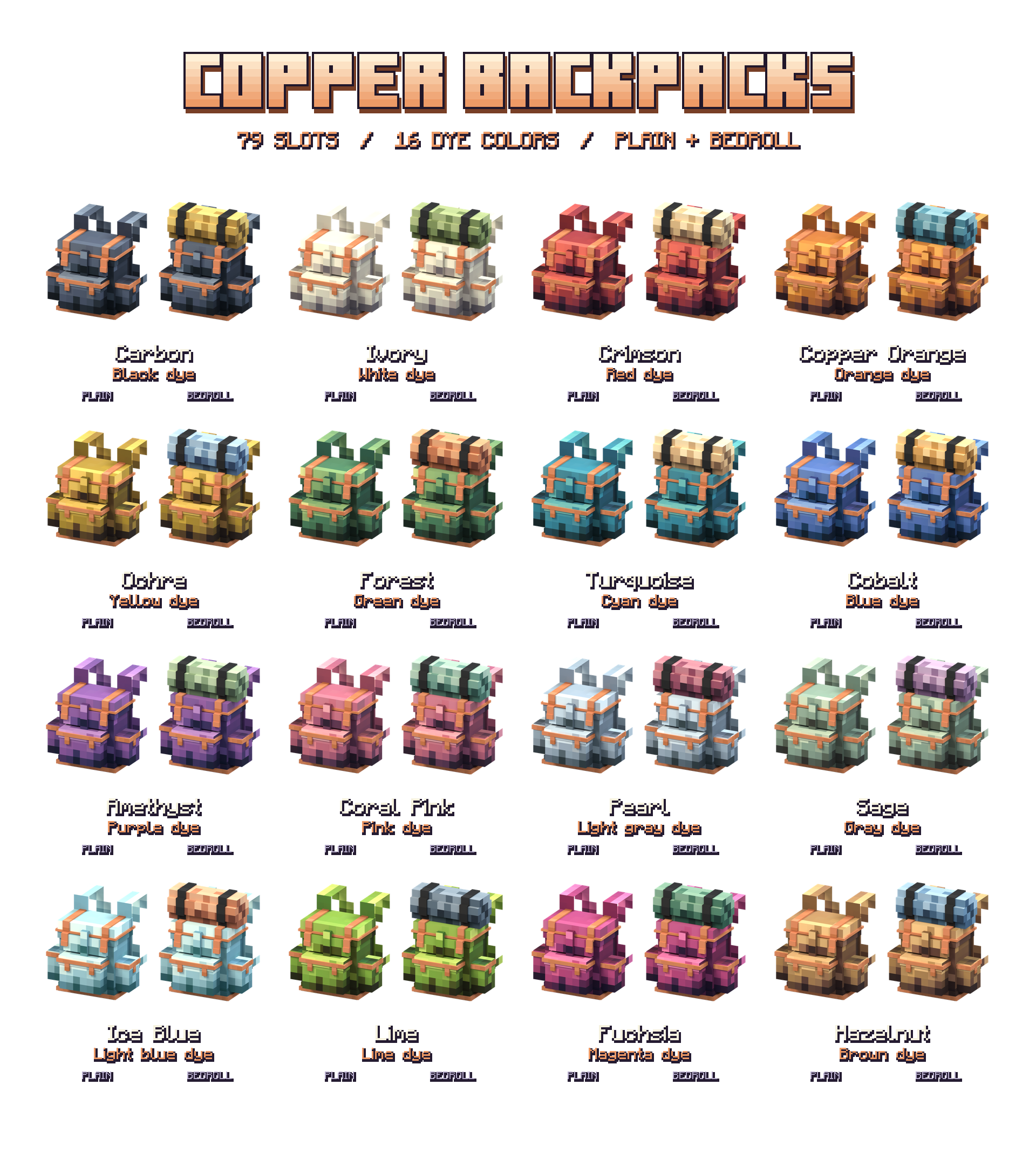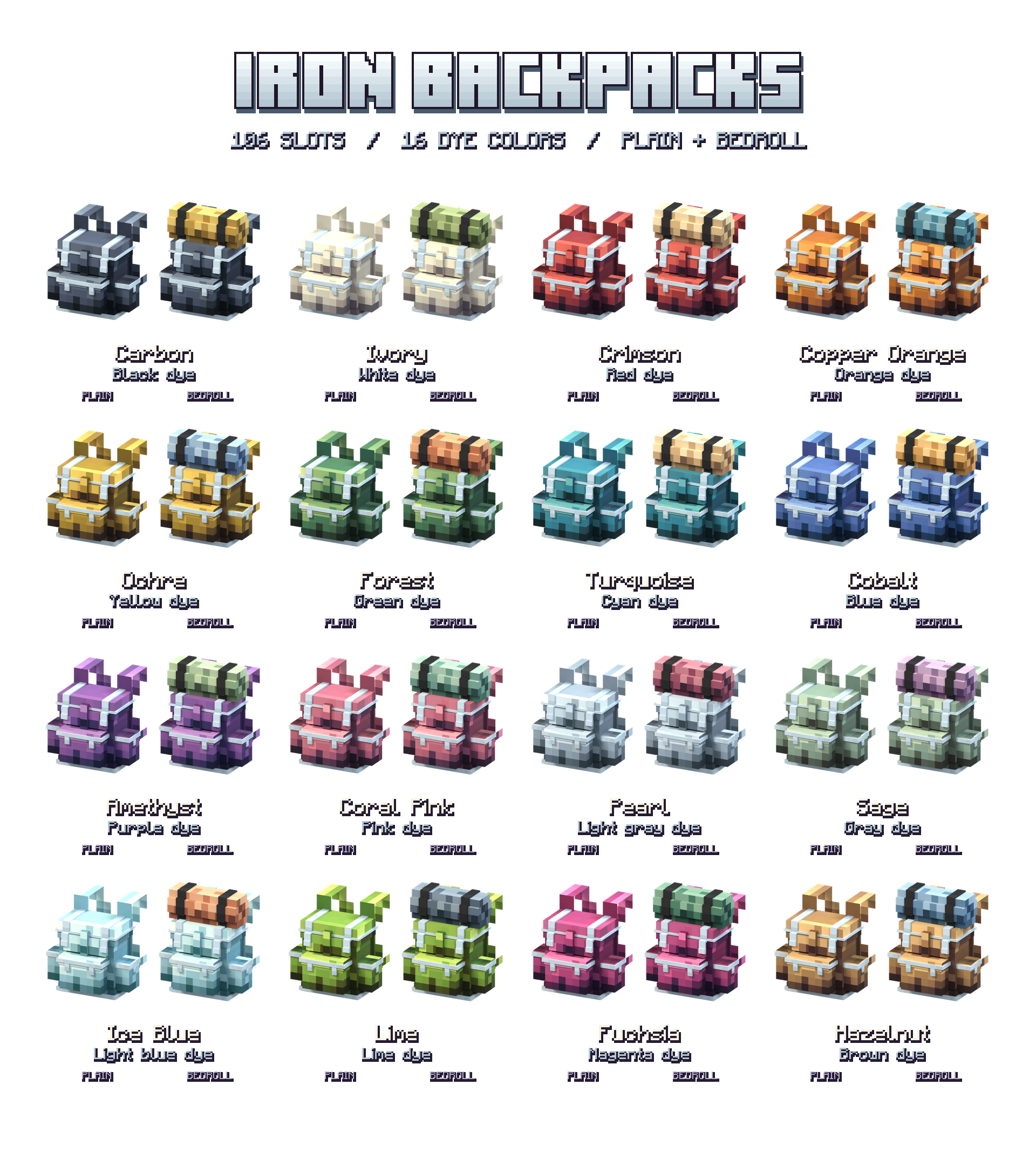
Vanilla Backpacks
By Iced_Fox_Studios, ReDeWz, XtraGer_dev
More room for your next adventure
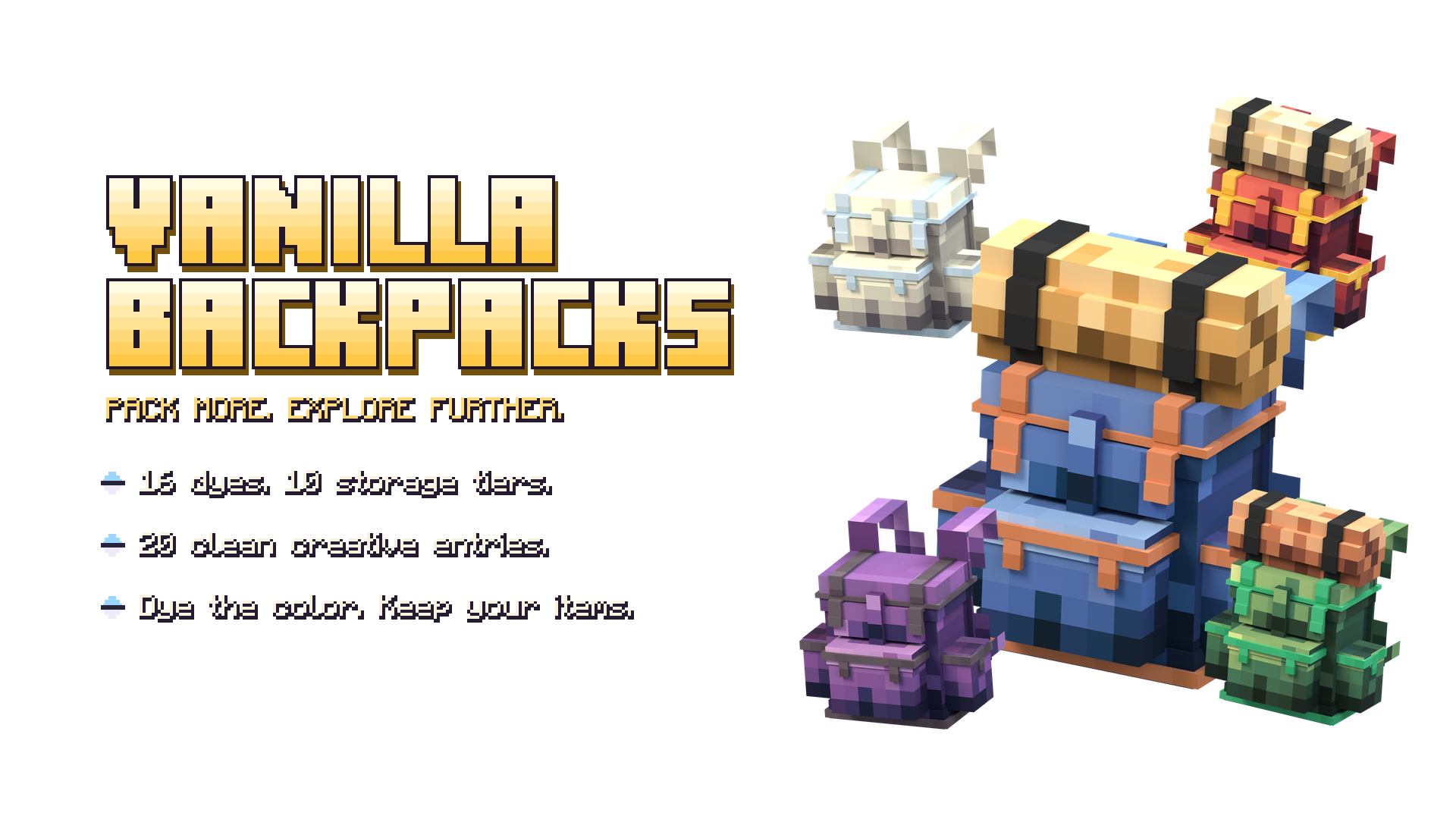
Vanilla Backpacks adds craftable, wearable 3D backpacks to Minecraft Bedrock with a familiar pixel-art look. Carry your supplies on your back, place your backpack at camp and choose from 16 vanilla dye colors.
Start with a simple backpack and upgrade through 10 storage tiers, all the way to Netherite, with up to 262 usable slots. Add an optional bedroll to make it your own.
Vanilla Backpacks
Pack for a longer adventure. Vanilla Backpacks adds wearable 3D backpacks that fit Minecraft's pixel-art style, with useful storage, familiar crafting materials and a color for every explorer.
Start with a simple 27-slot bag, then work your way through 10 tiers to 262 usable slots. Choose from 16 vanilla dye colors and add an optional bedroll. Your backpack can travel on your back, open from your hand or sit beside you at camp.
More room, one upgrade at a time
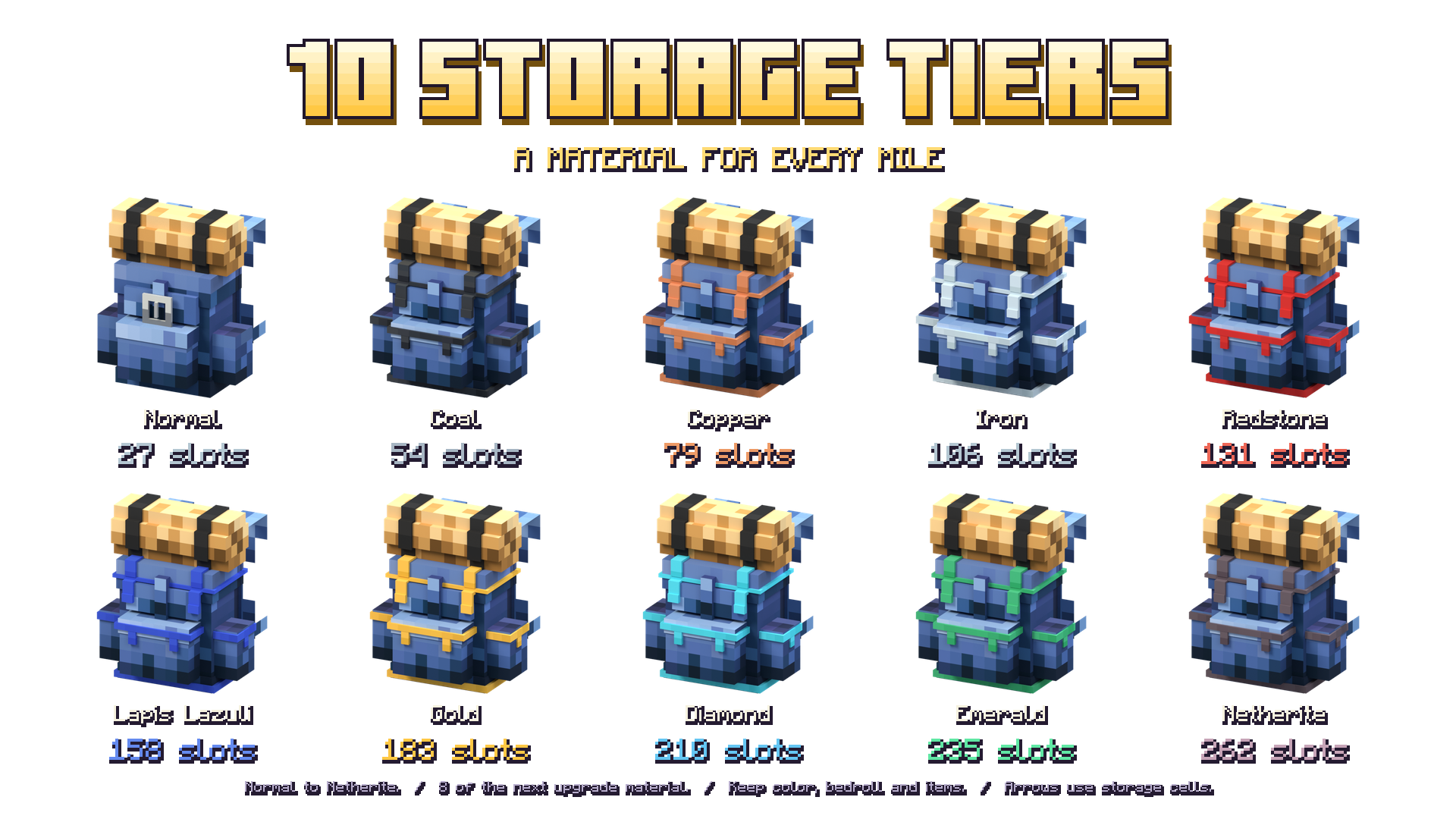
Each tier gives you more space for tools, building supplies and the things you find along the way. Larger backpacks use pages inside a native container inventory.
| Tier | Usable item slots |
|---|---|
| Normal | 27 |
| Coal | 54 |
| Copper | 79 |
| Iron | 106 |
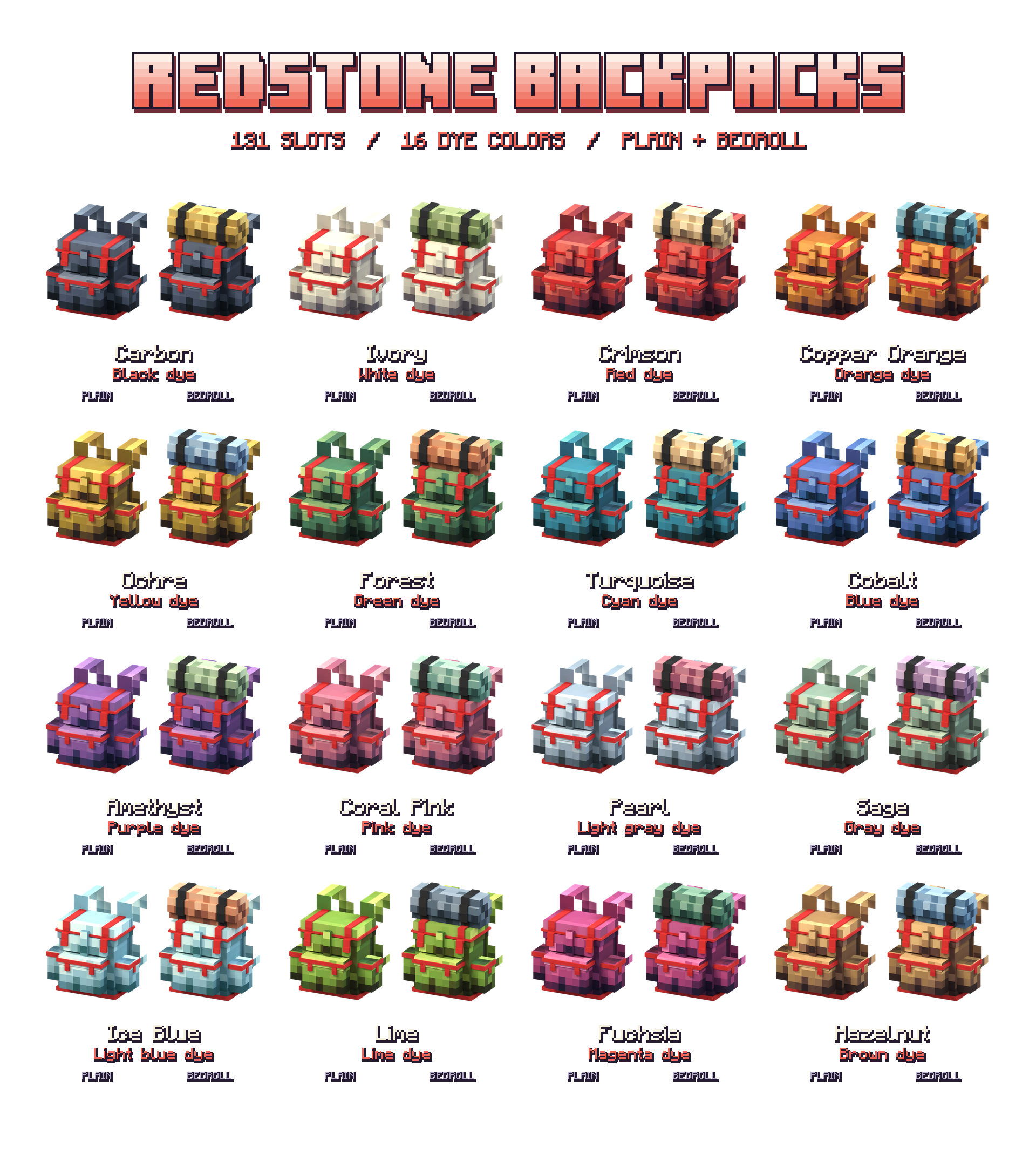
| Redstone | 131 |
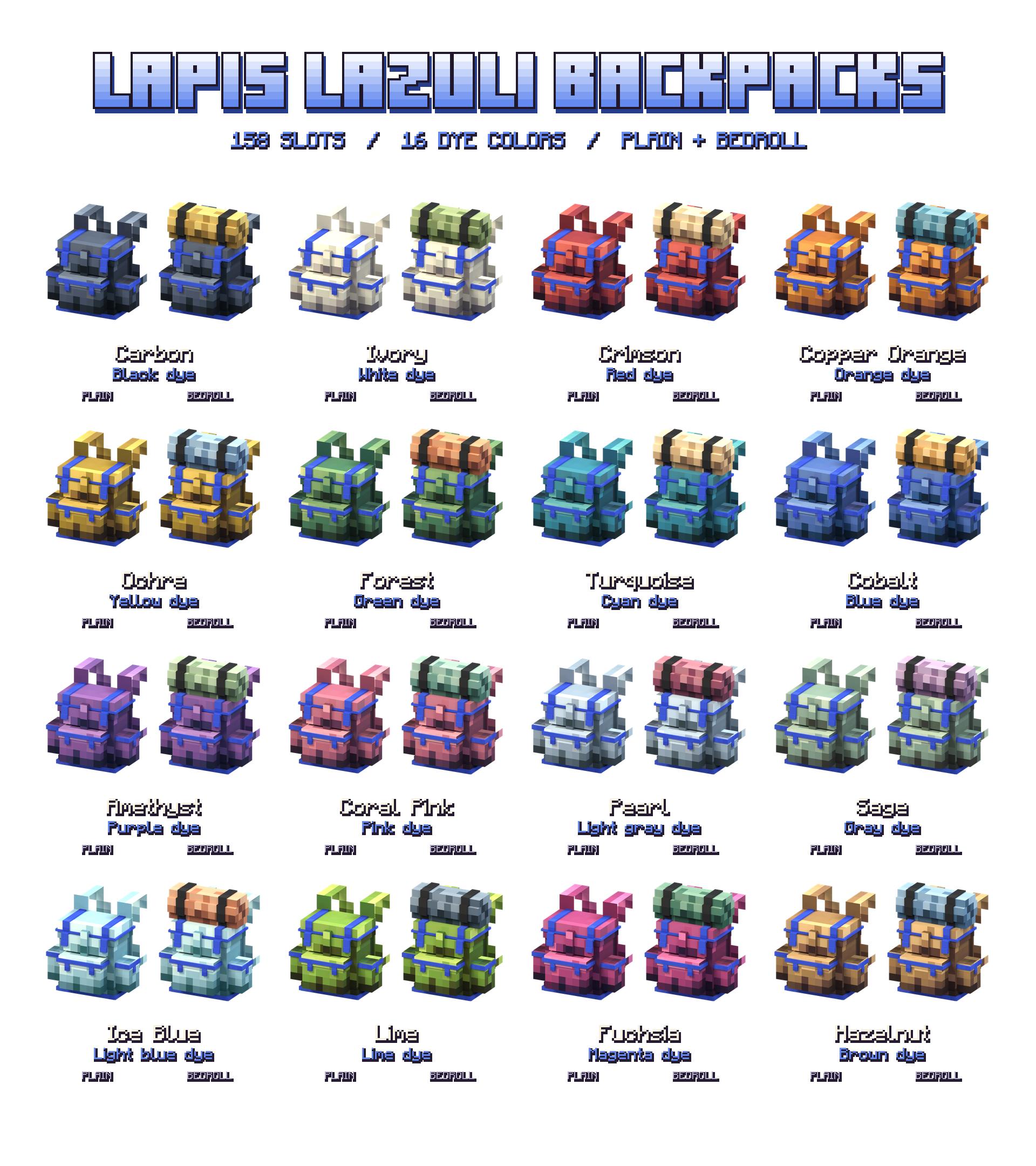
| Lapis Lazuli | 158 |
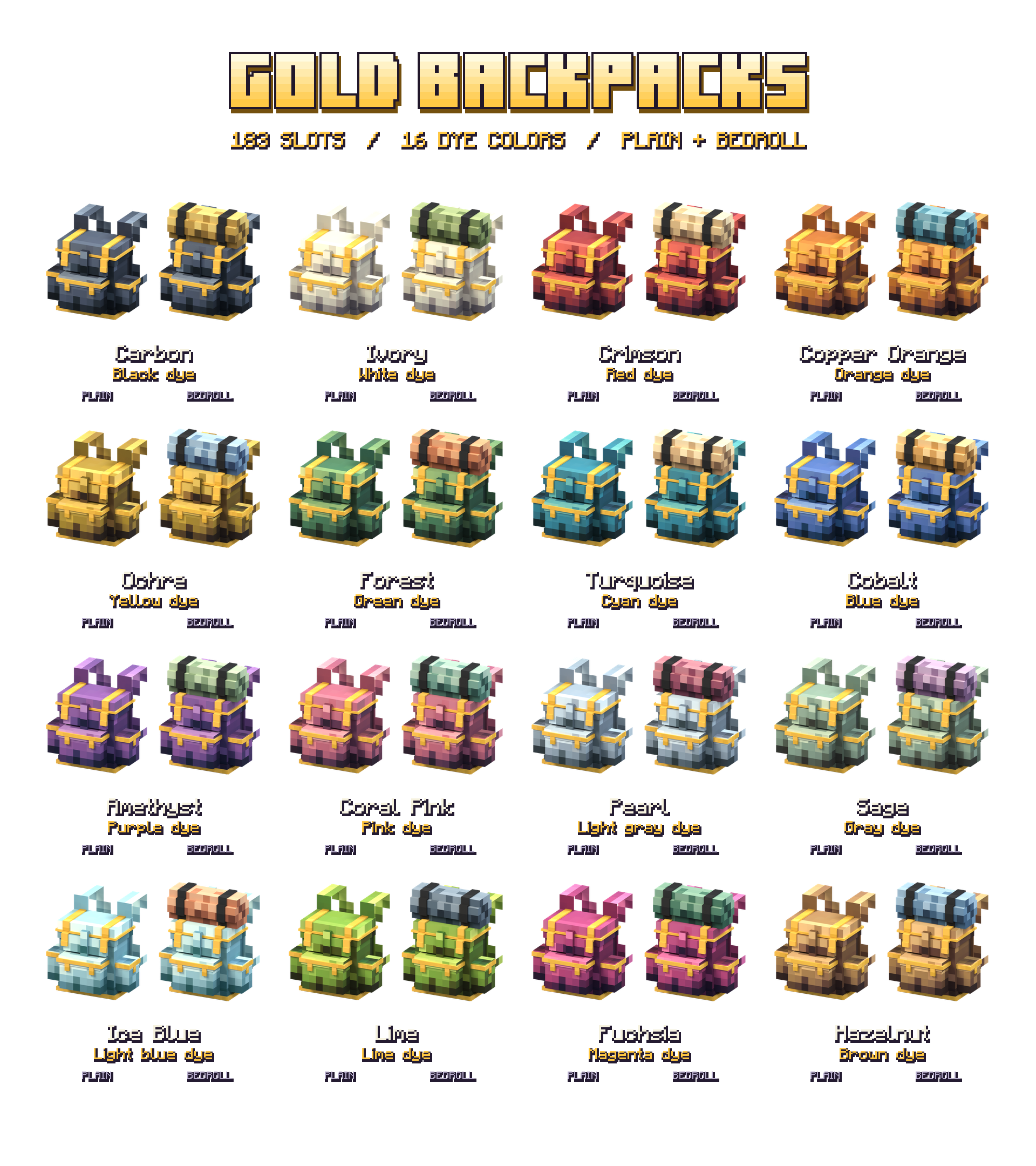
| Gold | 183 |
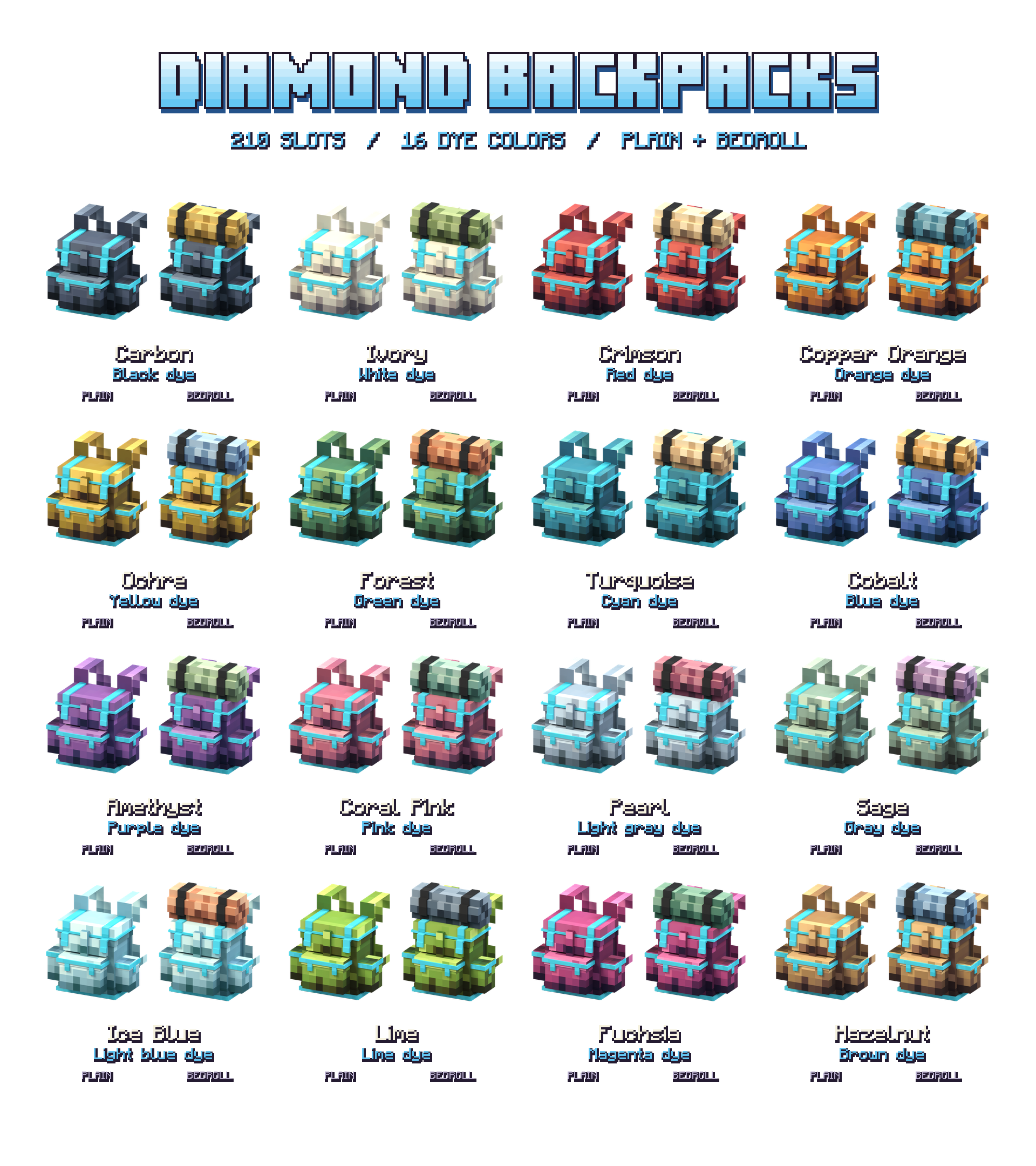
| Diamond | 210 |
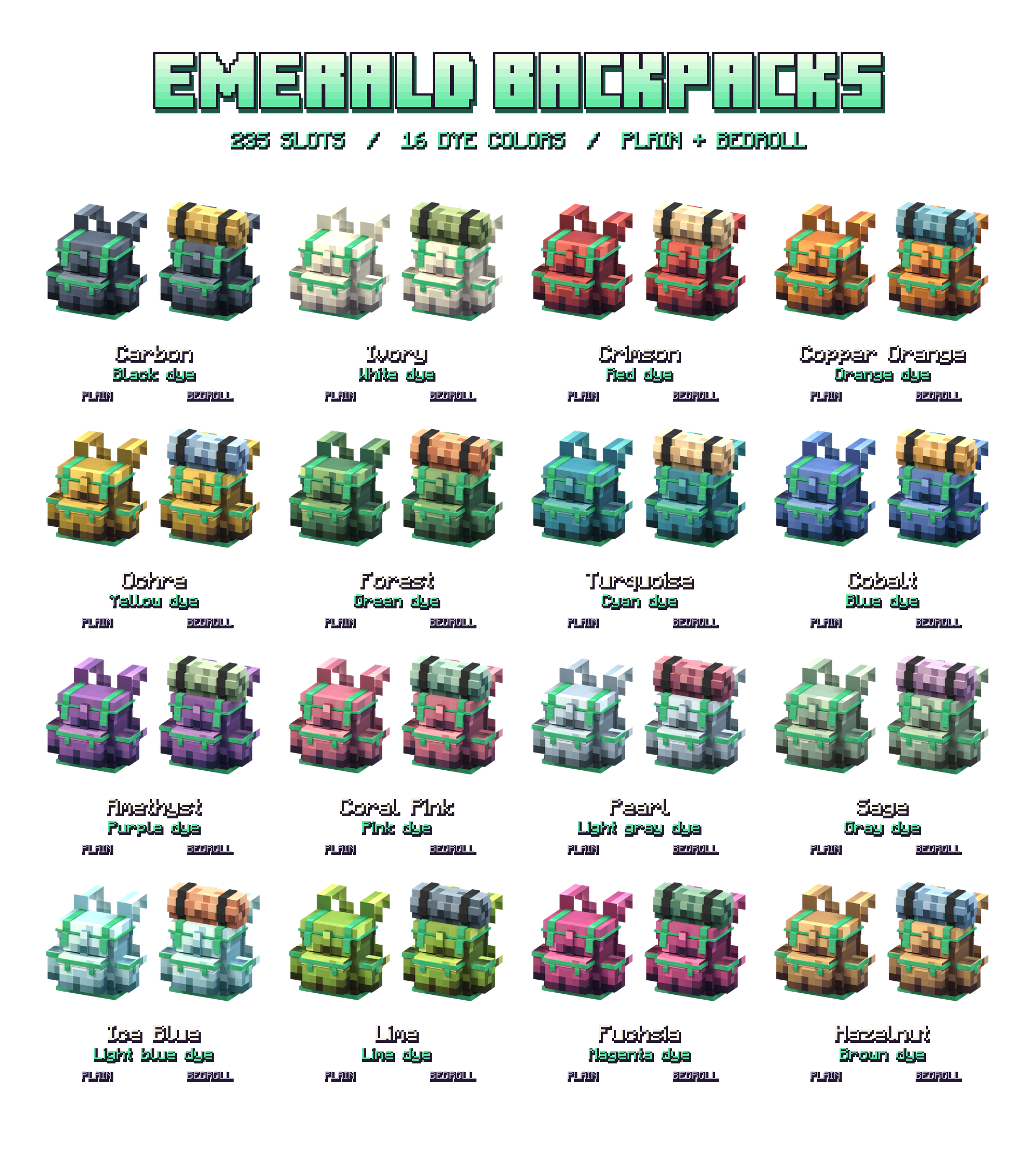
| Emerald | 235 |
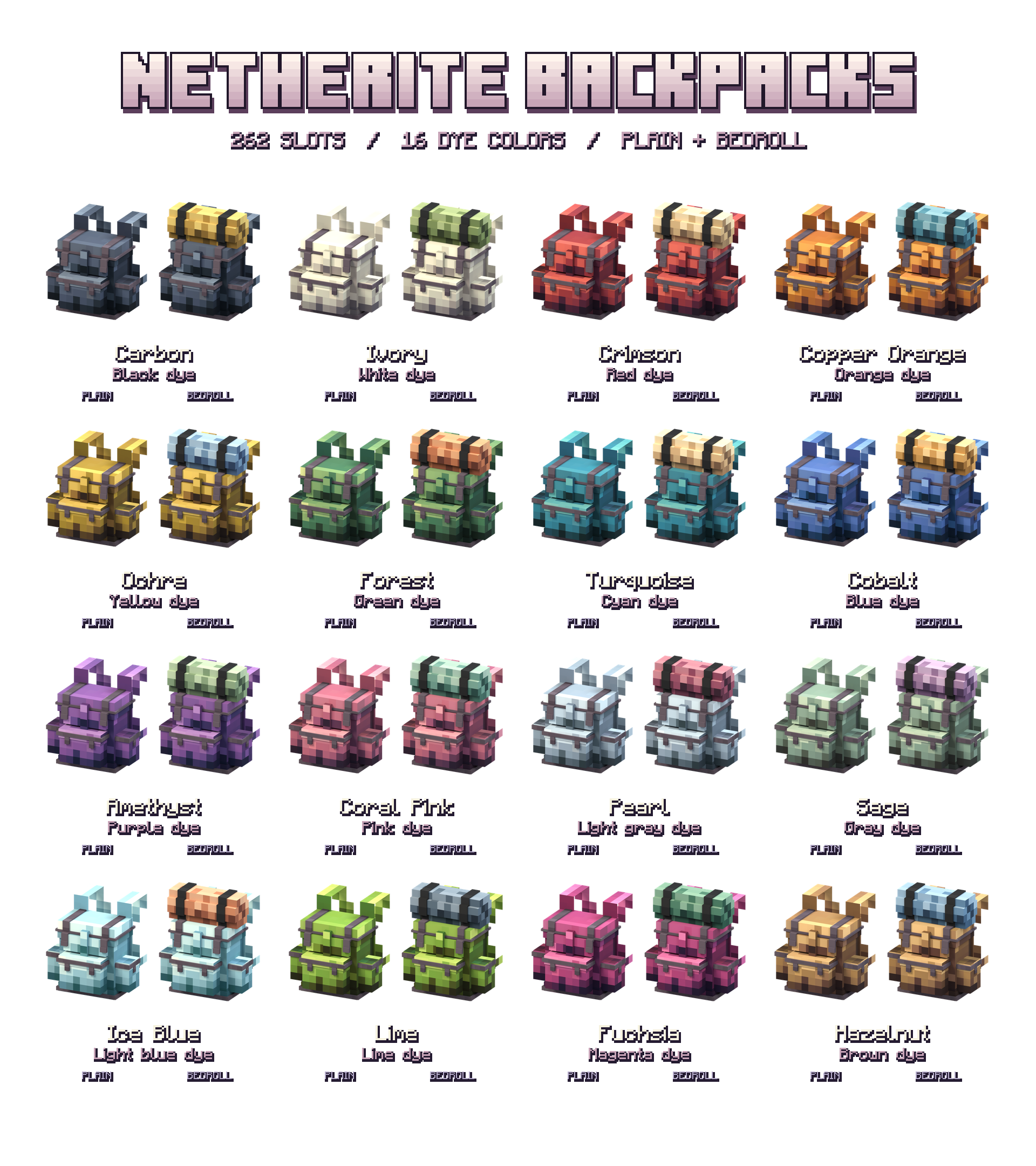
| Netherite | 262 |
These totals count slots you can actually fill with items. Page arrows occupy their own cells and are already excluded.
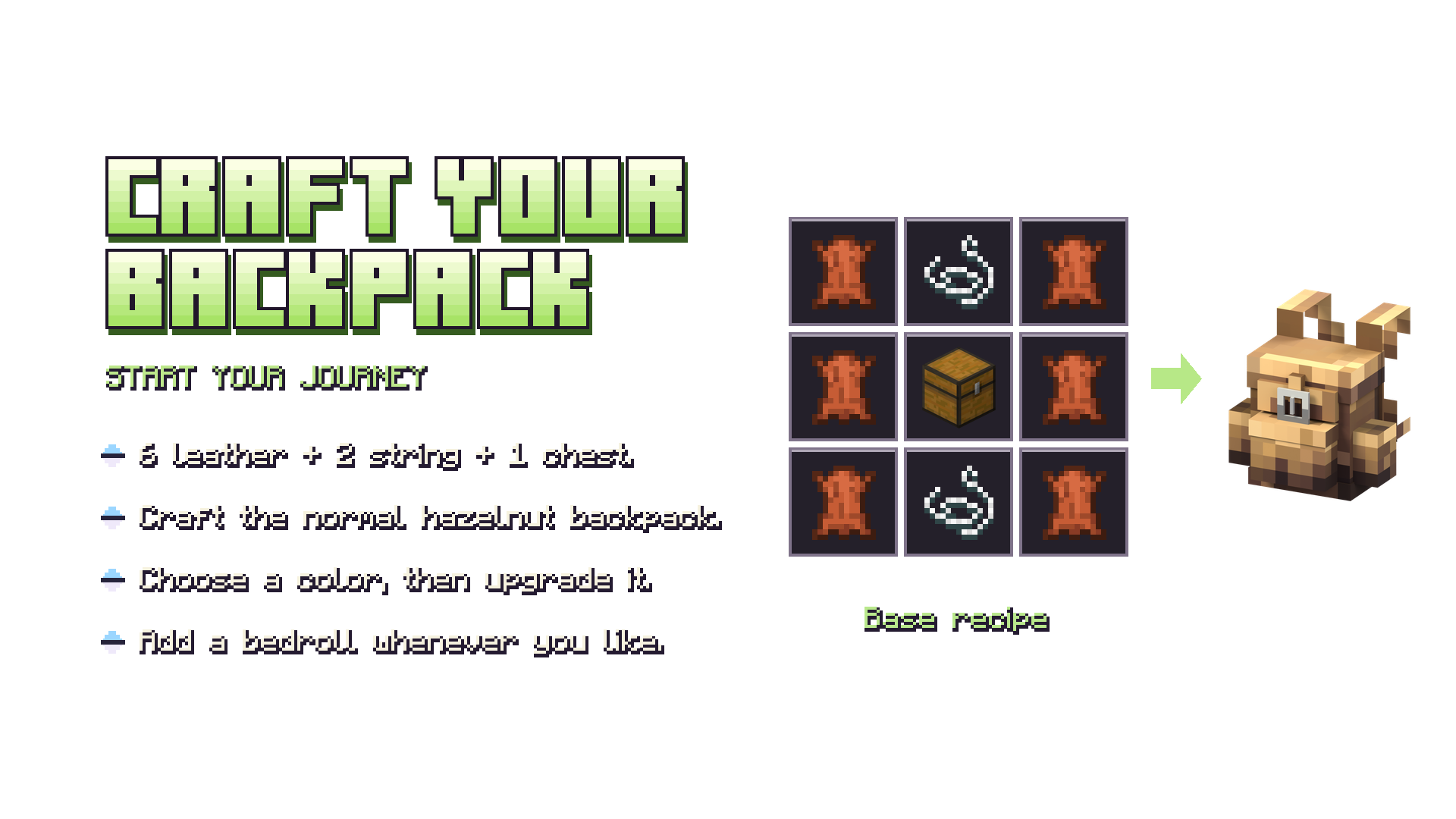
Craft it. Upgrade it. Keep exploring.
Your first backpack is a Hazelnut Leather Normal backpack, crafted with 6 leather, 2 string and 1 chest.
Leather   String   Leather
Leather   Chest    Leather
Leather   String   Leather
To follow the full upgrade path, place your current backpack in the center of a crafting table and surround it with 8 of the next tier's material:
Normal → Coal → Copper → Iron → Redstone → Lapis Lazuli → Gold → Diamond → Emerald → Netherite
Use coal, copper ingots, iron ingots, redstone dust, lapis lazuli, gold ingots, diamonds, emeralds and finally 8 netherite ingots. Existing alternative upgrade recipes remain available. Supported upgrades retain your stored items, custom name, color and bedroll style.
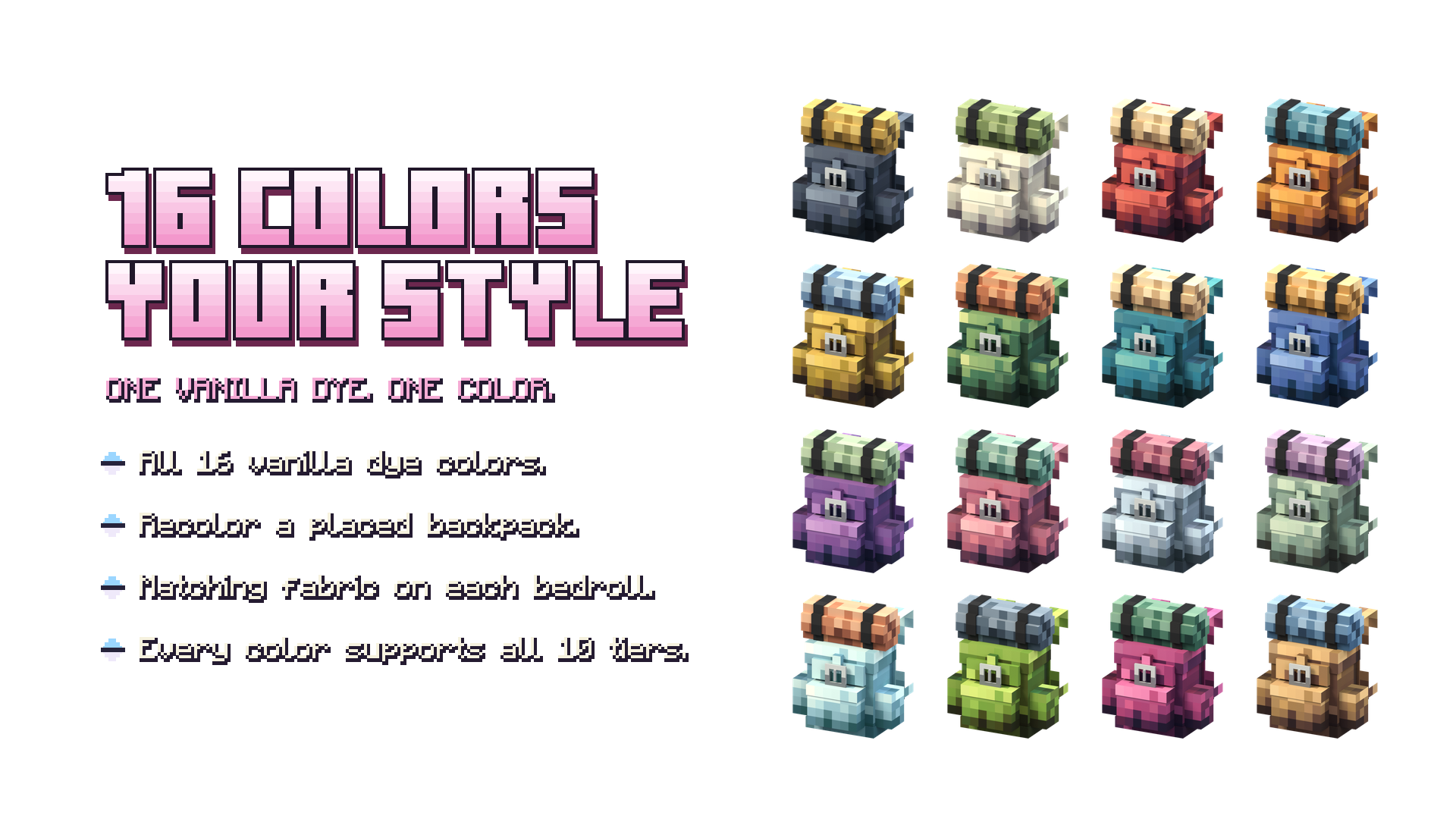
16 dyes. Your backpack.
Place your backpack, hold a vanilla dye, then sneak and use the dye on the bag. The dye always applies its own color, across every tier and both bedroll styles.
Recoloring costs 1 dye in Survival and no dye in Creative. Using the bag's current color consumes nothing. Its contents, name, tier and bedroll stay with it.
All 16 colors are available on all 10 tiers, with or without a bedroll: 320 active combinations. The Creative inventory and recipe book show 20 Hazelnut Leather entries, so color variants do not crowd the menu. Colored upgrade and bedroll recipes still work when you arrange them manually.
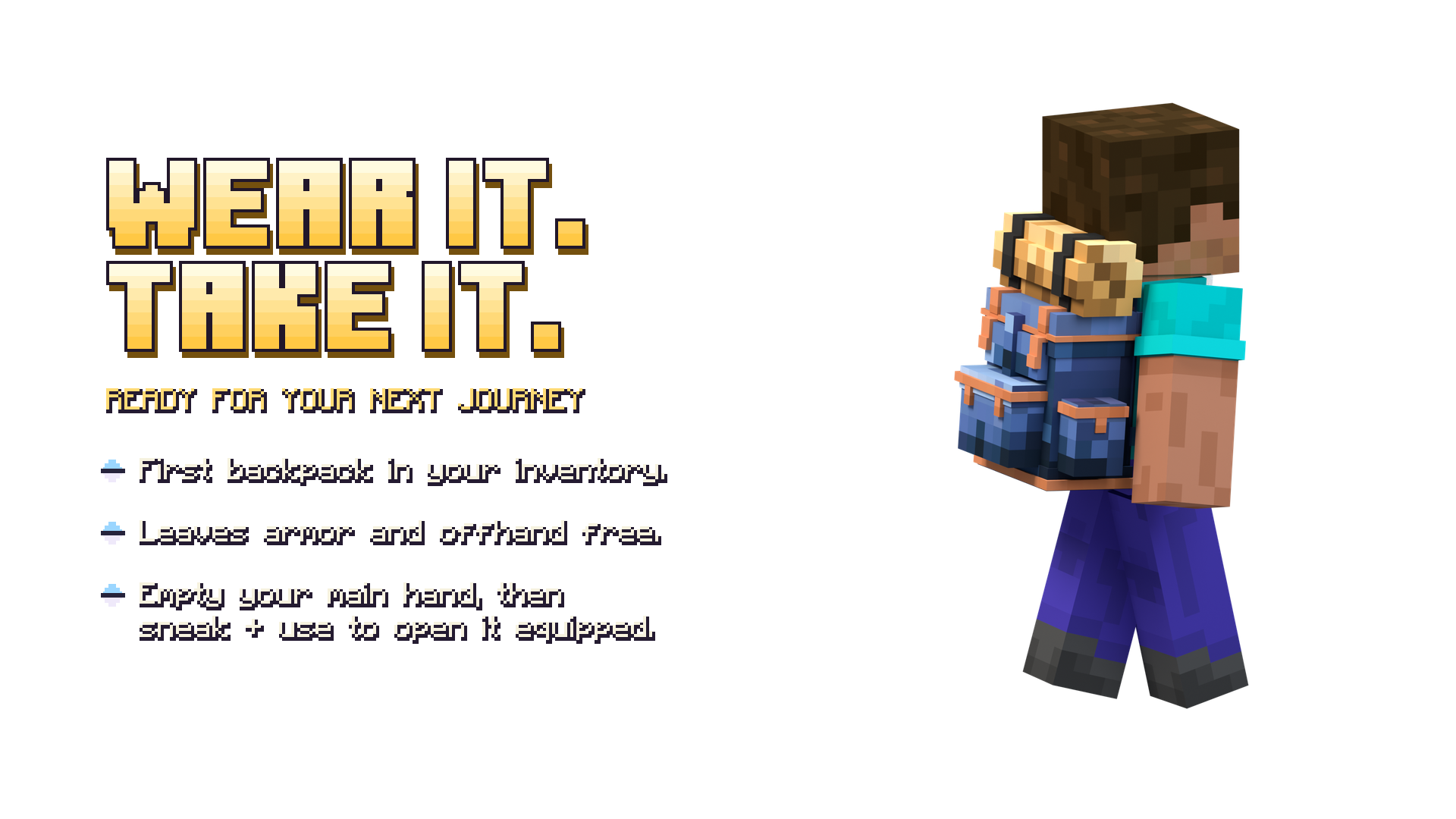
Wear it automatically
The first backpack to enter your inventory becomes your worn backpack. Your offhand and chest armor slots stay free, and sorting your inventory keeps the same bag active. Remove it to wear the next backpack in arrival order.
| Action | Control |
|---|---|
| Open a held backpack | Hold it in your main hand and use it without sneaking. |
| Open the worn backpack | Empty your main hand, then sneak and use. |
| Place a backpack | Hold it, then sneak and use the top face of a block with room above. |
| Open a placed backpack | Use the placed backpack. |
| Pick it up | Close its inventory, then hit the backpack. |
| Change its color | Hold a dye, then sneak and use it on the placed backpack. |
On a standard Windows keyboard and mouse setup, Use is right-click and Sneak is Shift.
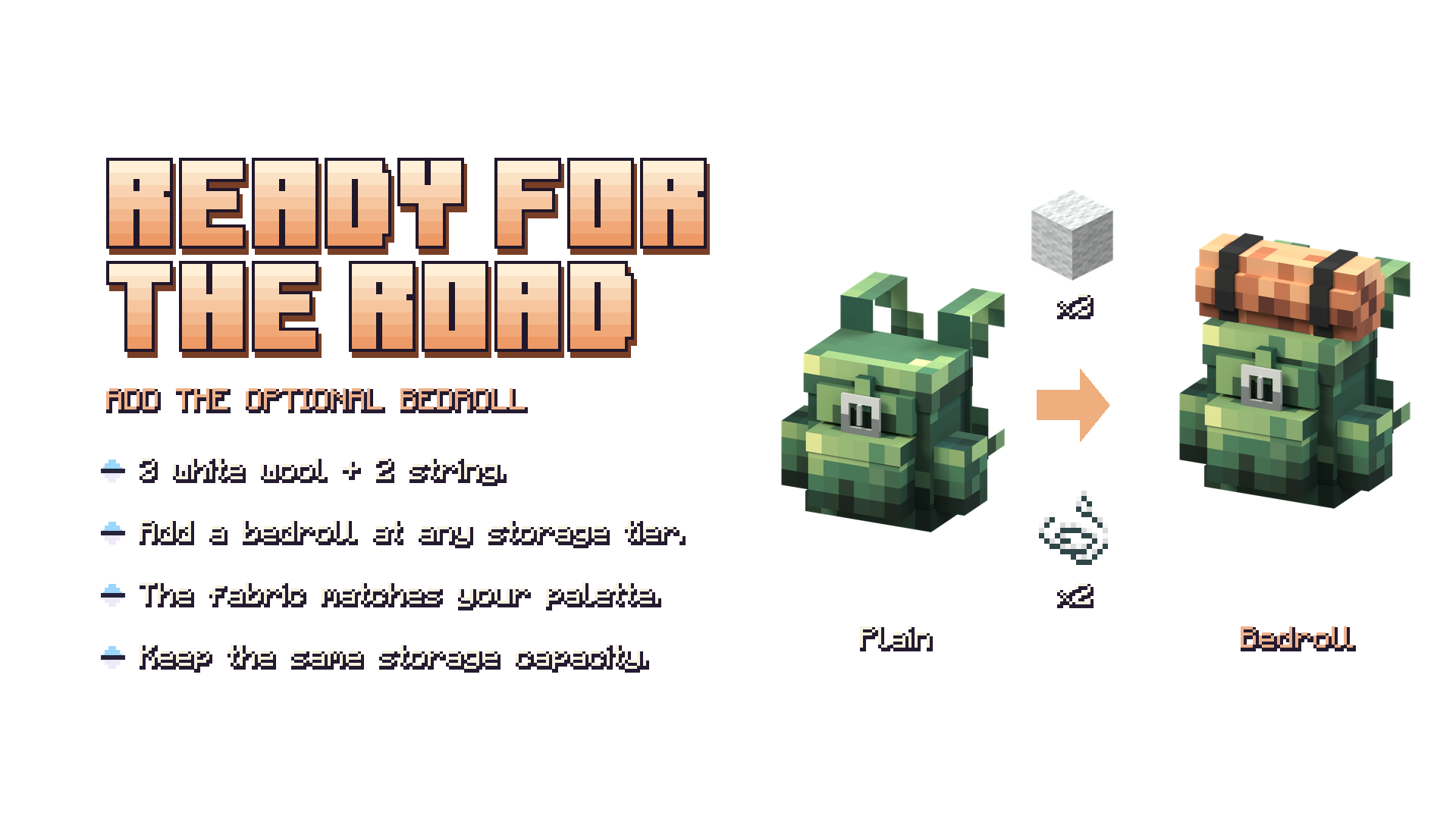
A little more adventure
Add a rolled bedroll by crafting your backpack with 3 white wool and 2 string. To remove it, put the backpack alone in the crafting grid. The bedroll is a cosmetic detail; it does not function as a bed or increase capacity.
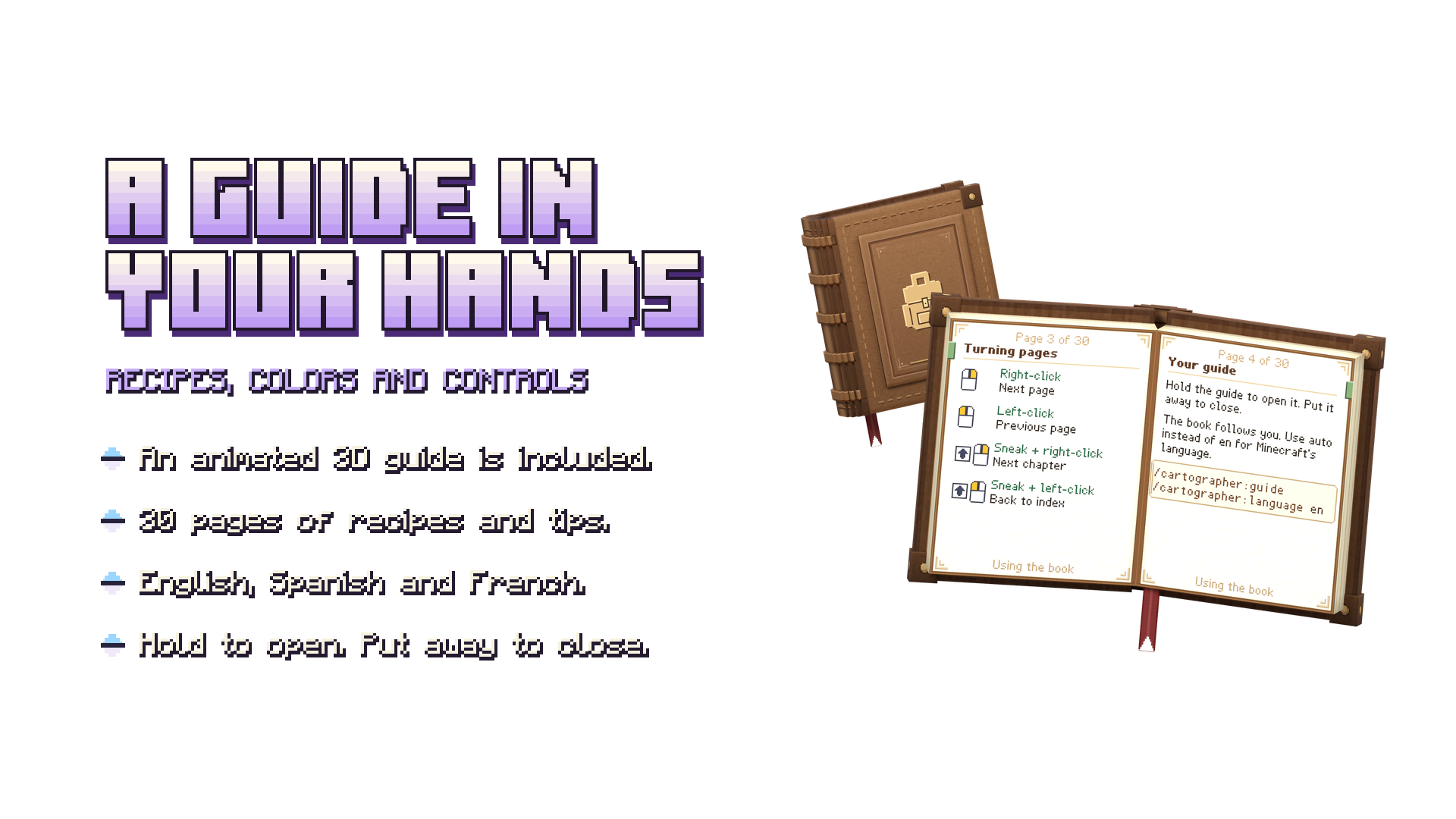
Each player receives an animated 3D field guide the first time they join. Its 30 illustrated pages cover crafting, upgrades and controls in English, Spanish and French. Need another copy? Craft one with 1 book and 1 leather.
The complete color catalogue
Explore all 16 vanilla dye colors, available with or without a bedroll. The catalogue follows the backpack upgrade path, from Normal to Netherite.
Installation and compatibility
- Download the .mcaddon from the project’s CurseForge Files tab.
- Open the file with Minecraft to import it.
- Activate both Vanilla Backpacks Behavior Pack and Resource Pack in your world.
- Enter your world and open the included guide to learn how to use your backpacks.
Requirements: Minecraft Bedrock 1.26.40 or later. The addon uses stable Script APIs and does not require experimental toggles.
The paged inventory is designed for Minecraft for Windows using the Classic UI profile. Pocket UI and other platforms have not yet been validated. If another resource pack changes the player definition, a compatibility merge may be needed for the backpack to appear on your back.
Updating an existing world? Save and exit, make a backup, then replace both packs with the matching v0.8.2 versions. Existing saved backpack identifiers remain supported.
Frequently asked questions
Does the bedroll work as a bed?
No. It is a cosmetic addition.
Do upgrades remove my items?
No. Upgrading preserves the backpack’s identity and contents.
Do I need WearAnything or Inmortal Pets installed?
No. Vanilla Backpacks is a standalone addon; the required runtime resources are included.
Are the promotional images gameplay screenshots?
They are studio renders made from the addon’s 3D backpack models and textures.
Feedback and credits
Found a problem or have a suggestion? Join our Discord community or leave a comment on CurseForge. When reporting an issue, please include your Minecraft version, platform, UI profile and the steps needed to reproduce it.
Created by IceFox Studios · Development: ReDeWz & Xtrager_Dev.